There may be times when a pending approval request is waiting on a particular reviewer, and you want to send them a little nudge/reminder to review and respond in a timely manner.
Sending reminder alerts to reviewers allows you to manage your own approval requests more effectively and to stay on track with approval deadlines.
To send a reminder alert on an approval request:
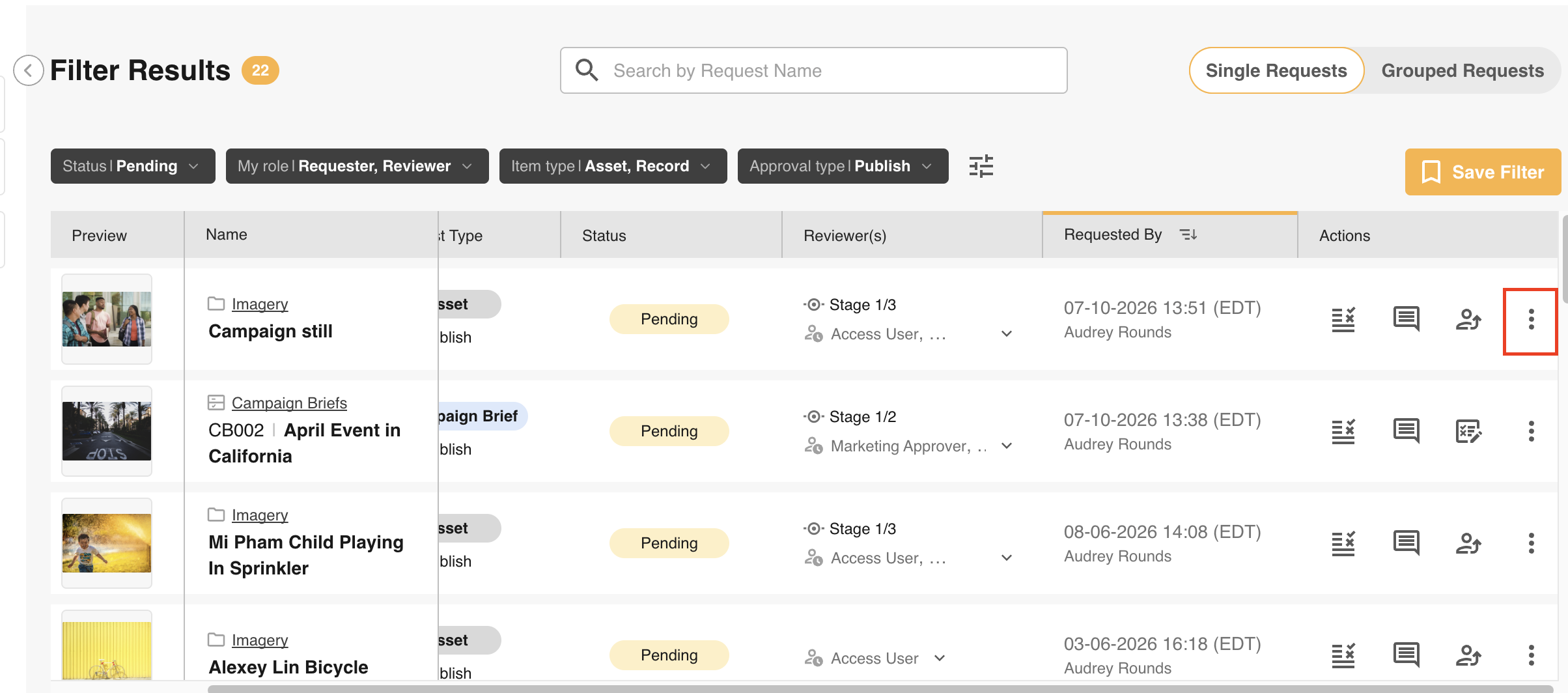
- Navigate to your Approvals area in the platform
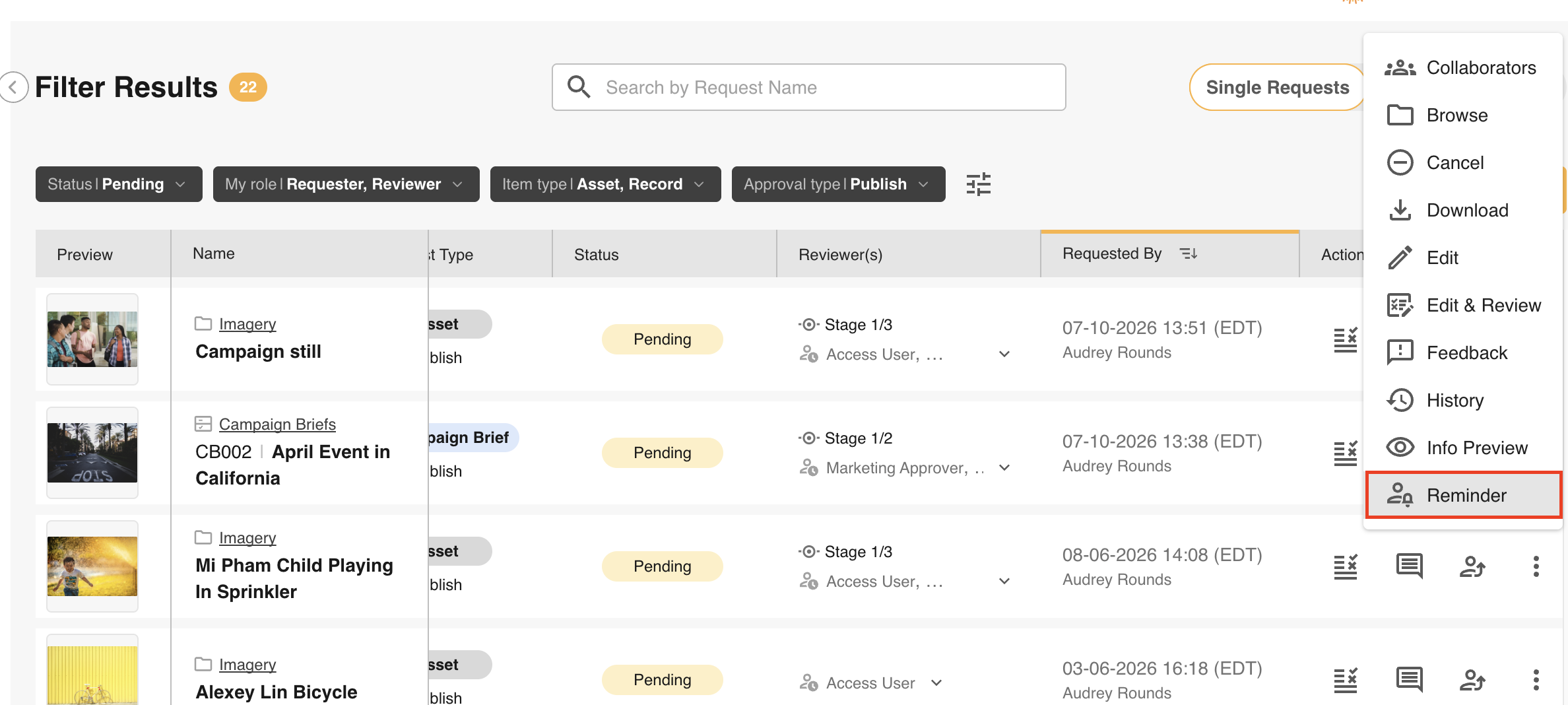
- Locate the request you’d like to send a reminder on, and select the Reminder icon from the Actions column (it may be located in the actions dropdown for some requests)
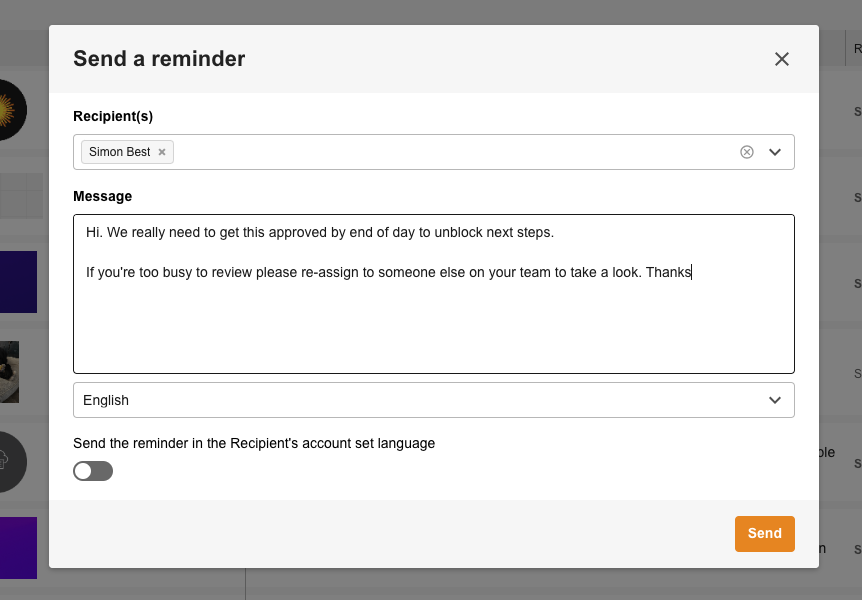
- This will open a window with 'Waiting on' reviewer(s) pre-populated in the Recipient(s) field, and with a message box to create a custom message to send. Other reviewers on that stage who may have already responded can still be added to this reminder, should you need to loop them in on this reminder
- Type out your message and select “Send”
- This will send an email notification to the selected reviewer(s) with your reminder message
Was this article helpful?
That’s Great!
Thank you for your feedback
Sorry! We couldn't be helpful
Thank you for your feedback
Feedback sent
We appreciate your effort and will try to fix the article