There may be times when a pending approval request you sent needs to be cancelled, if, for example, it was submitted for approval by mistake, or no longer needs to be actioned/reviewed.
To cancel an approval request:
- Navigate to your Approvals section of the platform
- Locate the approval request that needs to be cancelled
-
Select the “Cancel” icon from the Actions menu to the right hand side of the request

-
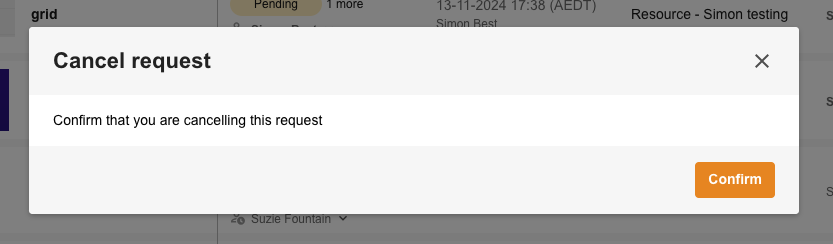
This will open up a window asking if you are sure you’d like to cancel the request - if you’re sure, select “Confirm”
Key points to consider
- The status on the approval request will change from “Pending” to “Cancelled”.
- If configured to do so, notifications will be sent to the reviewers that the request has been cancelled
- Once a request is cancelled, you will not be able to reinstate it and a new request will have to be made, if an asset still requires approval
- Only pending approvals can be cancelled. Once an approval request is no longer pending (ie: either declined or approved) cancelling is no longer possible
- Both requesters of the approval and reviewers (as well as Admins) have the ability to cancel a pending approval request
Was this article helpful?
That’s Great!
Thank you for your feedback
Sorry! We couldn't be helpful
Thank you for your feedback
Feedback sent
We appreciate your effort and will try to fix the article