Secondary fields show extra information from a record alongside its title. You can choose up to 5 fields from your database form as secondary fields.
Where Secondary Fields Appear
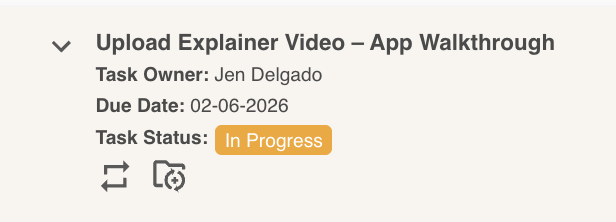
Under the Record Title
In List, Card and Calendar views, Secondary fields show under each record's title.
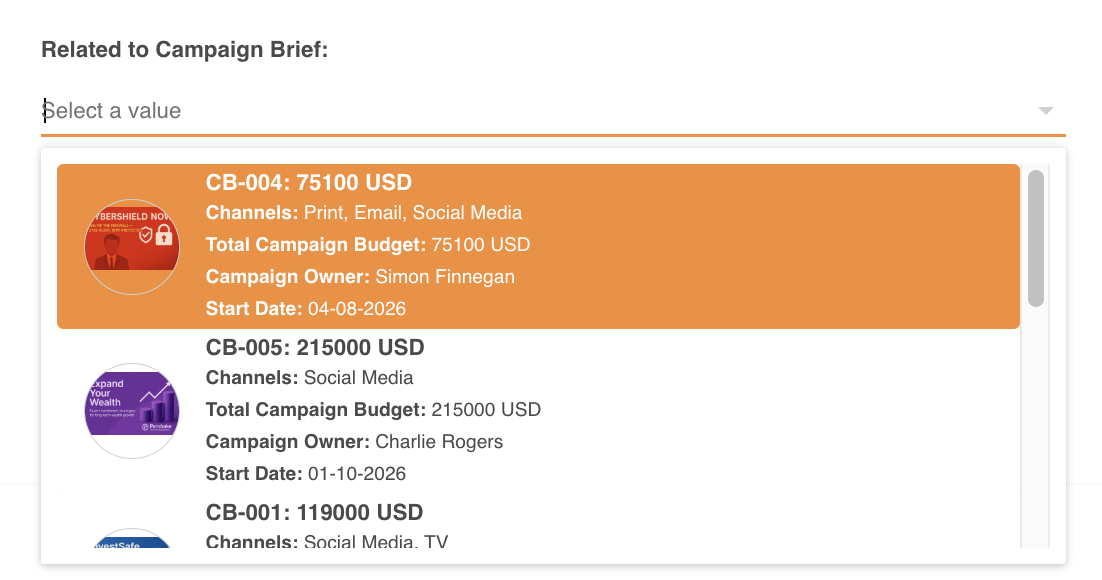
In Lookup Select Fields
When the database is used in a Lookup Select field, secondary fields show as extra details on each dropdown option. The fields only appear if they have a value.
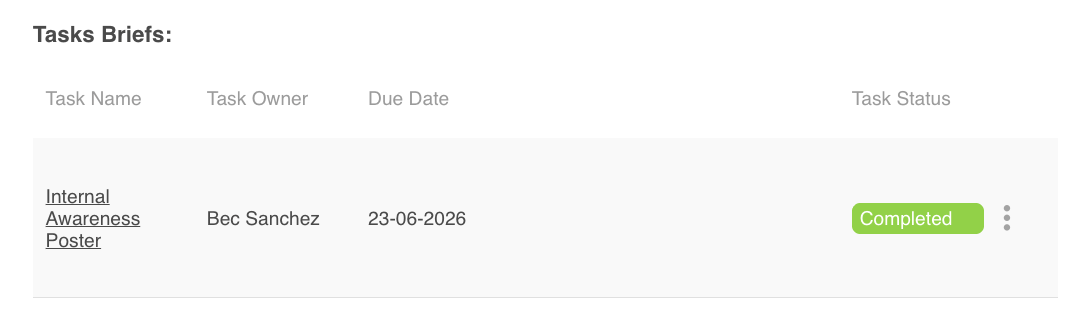
In Lookup Grids
In a Lookup Grid, secondary fields show as extra columns in the grid.
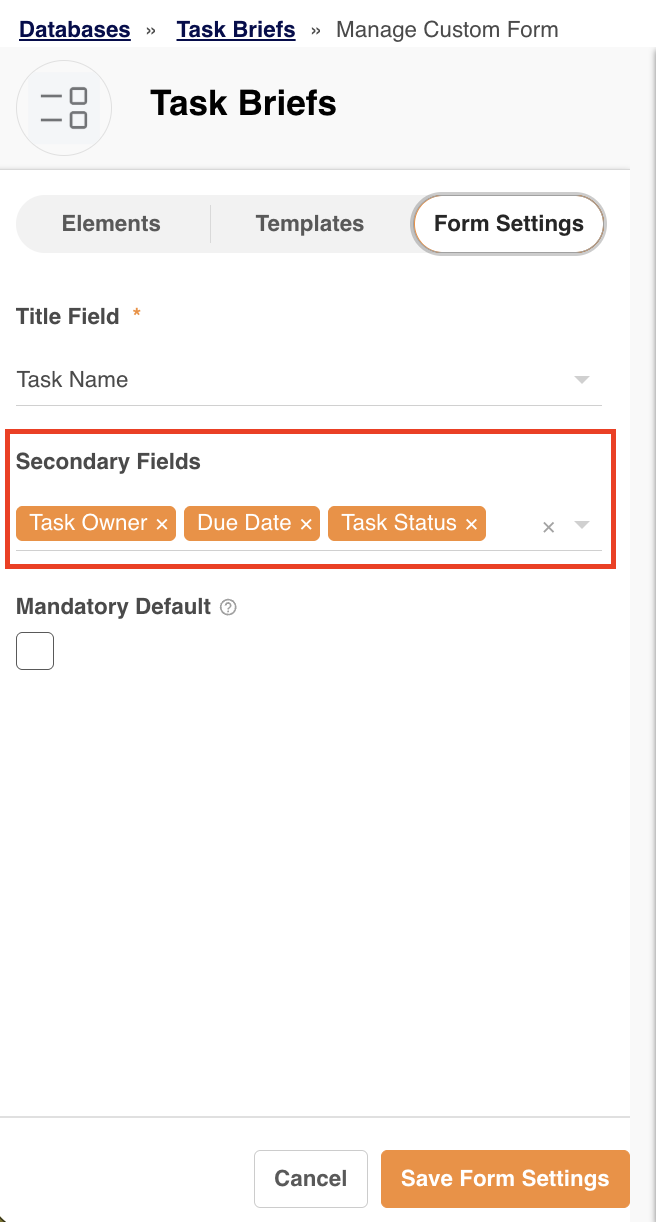
Enabling Secondary Fields
Open your database's Edit Form Template page, then go to the Form Settings tab and choose up to 5 secondary fields.
Note: These field types can't be used as Secondary fields: Notes, Lookup Grid, Grid and Sequence ID.
Was this article helpful?
That’s Great!
Thank you for your feedback
Sorry! We couldn't be helpful
Thank you for your feedback
Feedback sent
We appreciate your effort and will try to fix the article