Database records can be deleted in bulk by users with at least Admin permission on records.
Bulk deleting records is helpful when you have a large number of records to clean out of a database and don't want to delete them one by one.
Deleting Records in Bulk
| 1Open the database | Navigate to the database and click into it so you can view its records. |
| 2Select the records | Click the checkbox on the left-hand side of each record you want to delete. 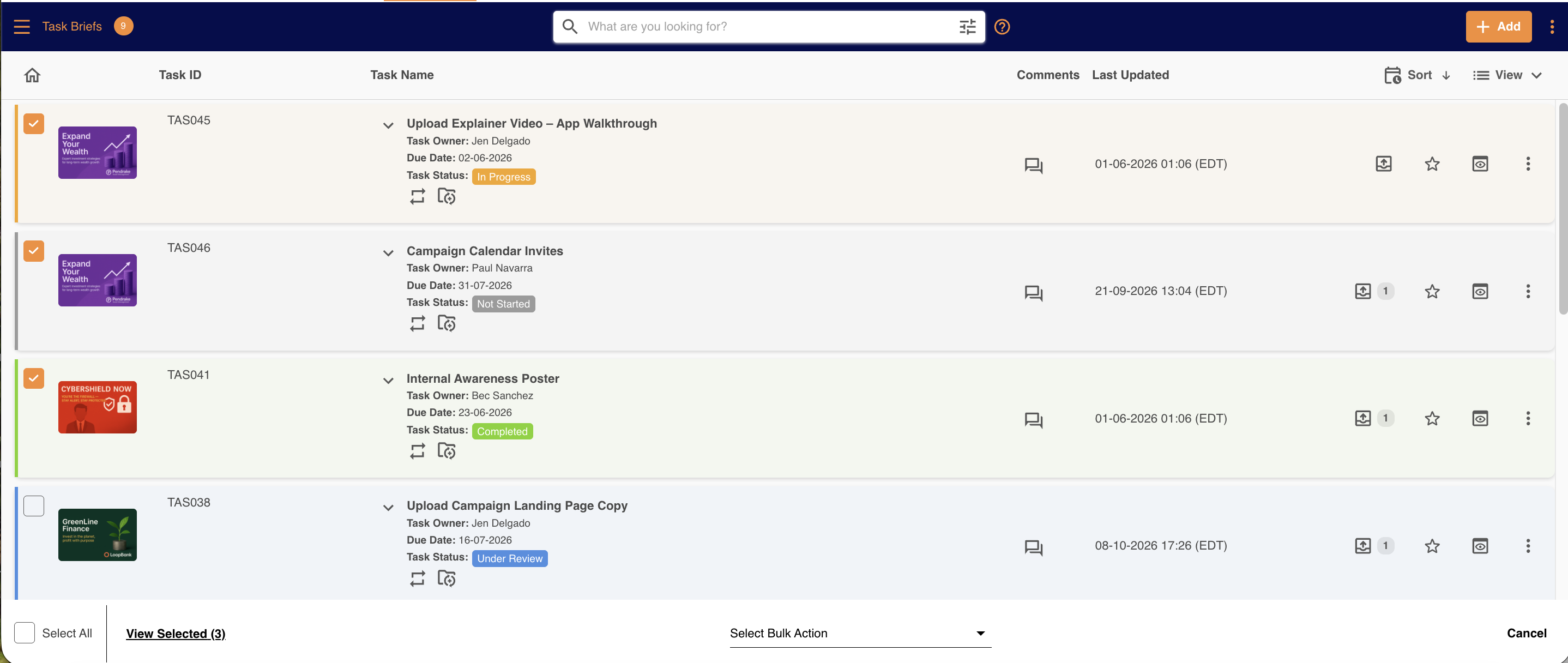 |
| 3Open the bulk action menu | A bulk action menu appears at the bottom of the screen. Click the menu and select Delete. 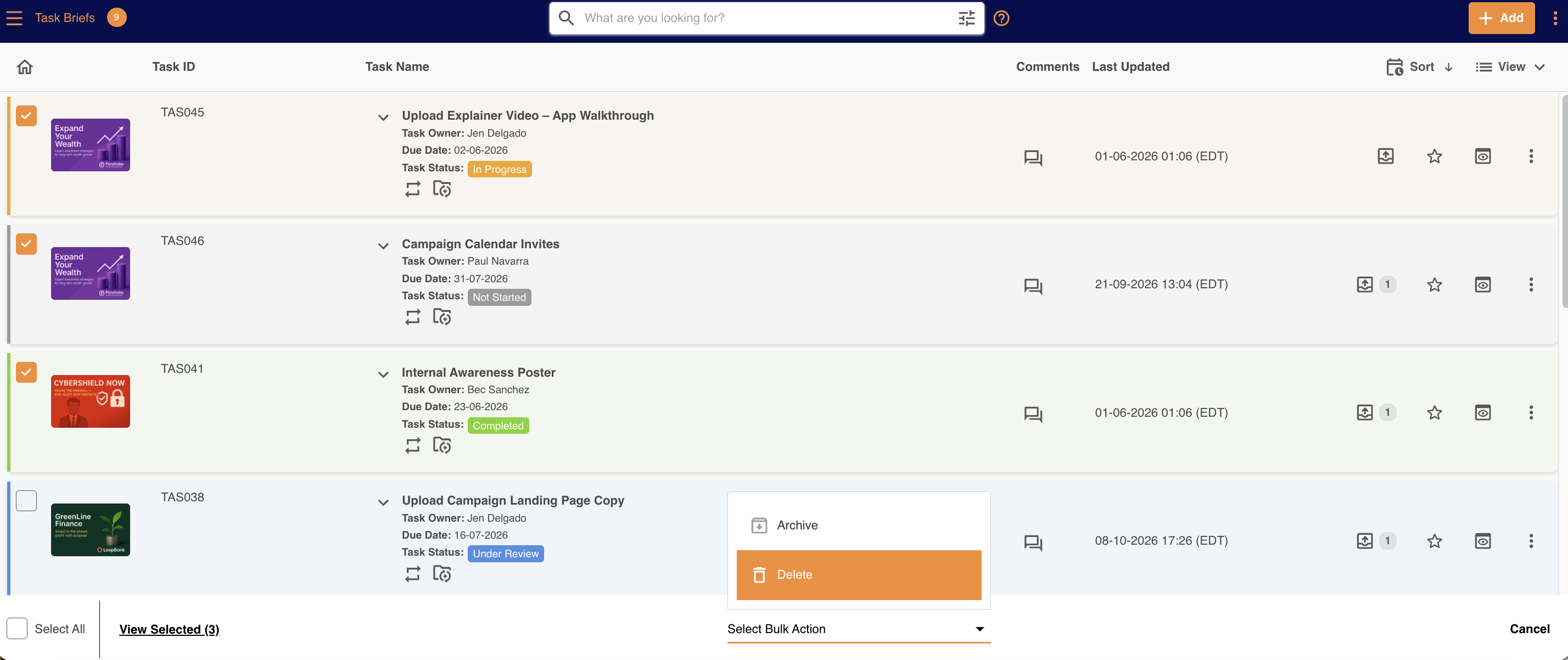 |
| 4Confirm the deletion | A window asks you to confirm that you want to delete the records. Click Delete to remove them from the platform. 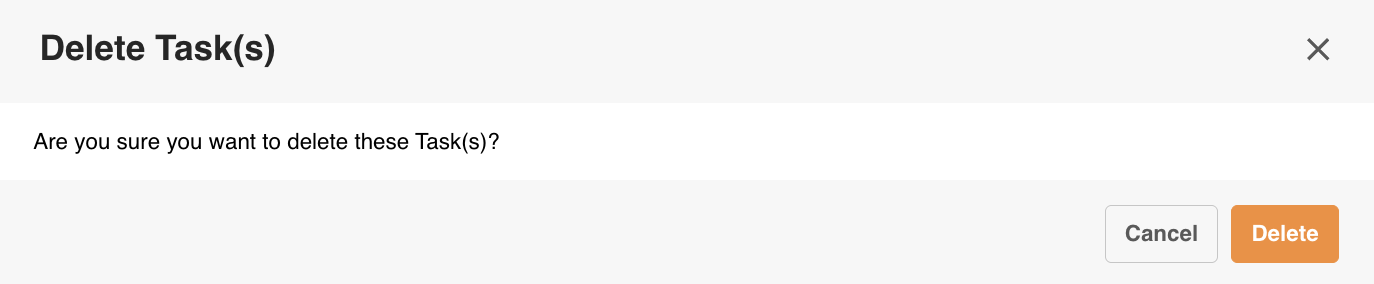 |
Recovering Deleted Records
If you delete records by mistake, Main Admins can recover them from the Recycle Bin for up to 30 days after they were deleted. Once an item passes the 30-day window, Admins can no longer restore them and you will need to contact our support team to request it restored (up to 90 days from the date of deletion).
If you have any further questions please contact your Customer Success Manager.
Was this article helpful?
That’s Great!
Thank you for your feedback
Sorry! We couldn't be helpful
Thank you for your feedback
Feedback sent
We appreciate your effort and will try to fix the article