Users with appropriate permissions (Publish or Admin) can delete assets within the Asset Library.
Note that the ability to delete assets can be restricted to just Admins. To learn more about how to do this, refer to this article.
Table of Contents
Deleting a Single Asset
To delete one asset:
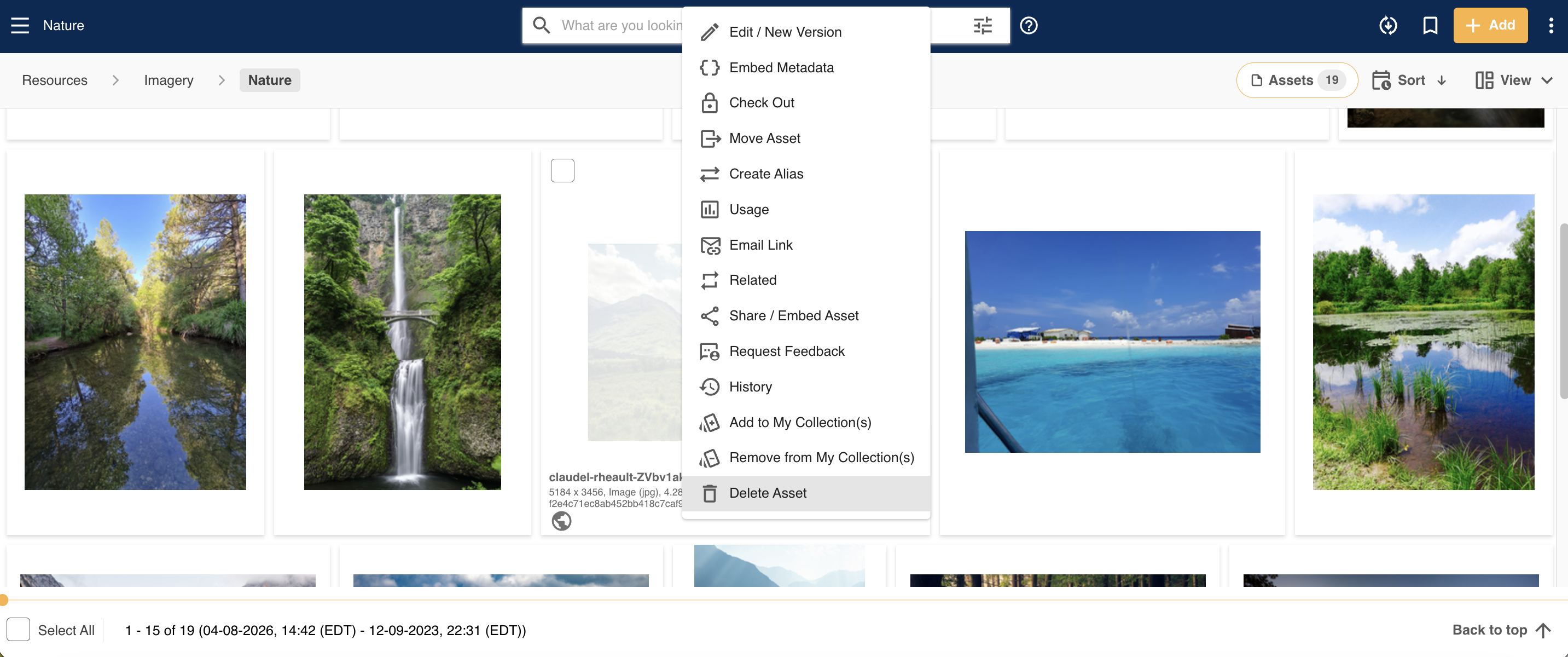
- Locate the asset you wish to remove. From the asset dropdown menu, select Delete Asset.
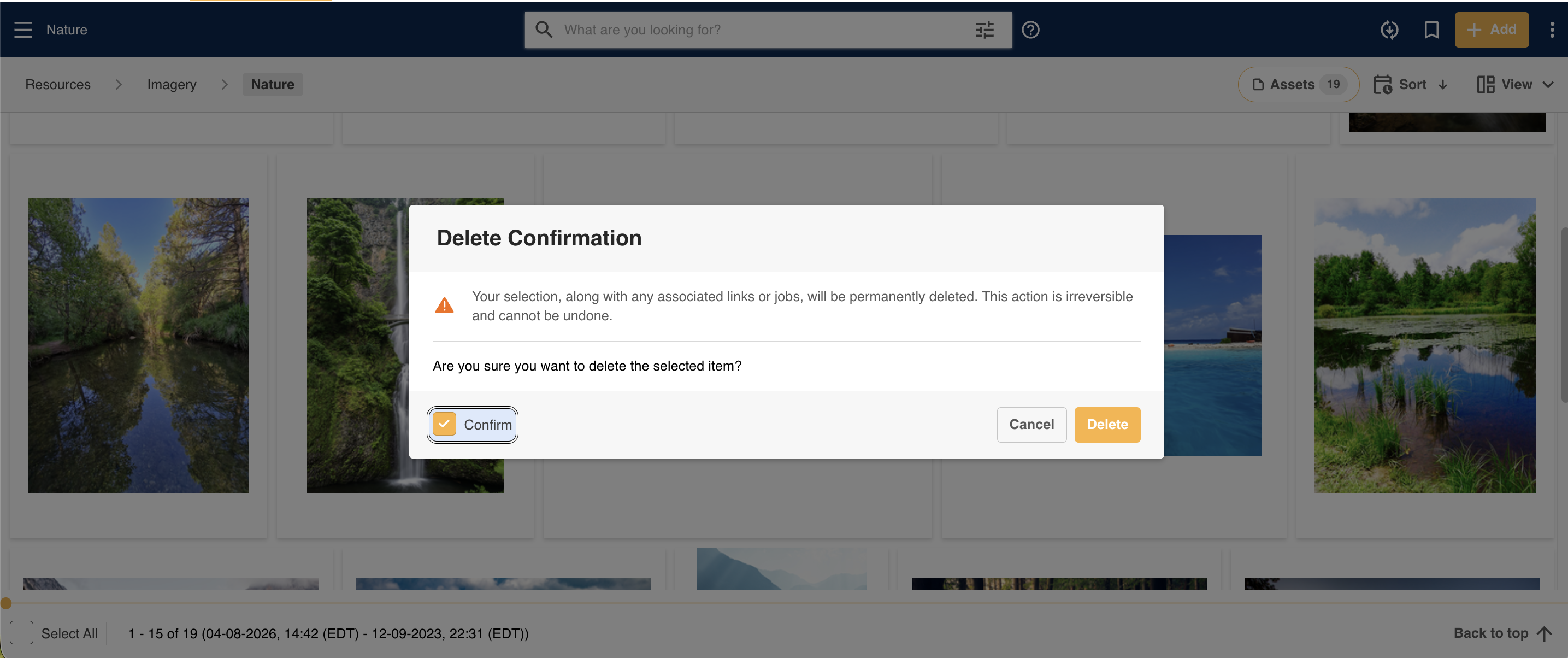
- A Delete Confirmation window will then pop up, where you can confirm that you truly mean to delete this asset. Check the Confirm checkbox, then click Delete.
- This asset will then be deleted from the platform.
Deleting Assets in Bulk
Assets can also be deleted from the platform in bulk (up to 300 assets at a time).
To delete multiple assets:
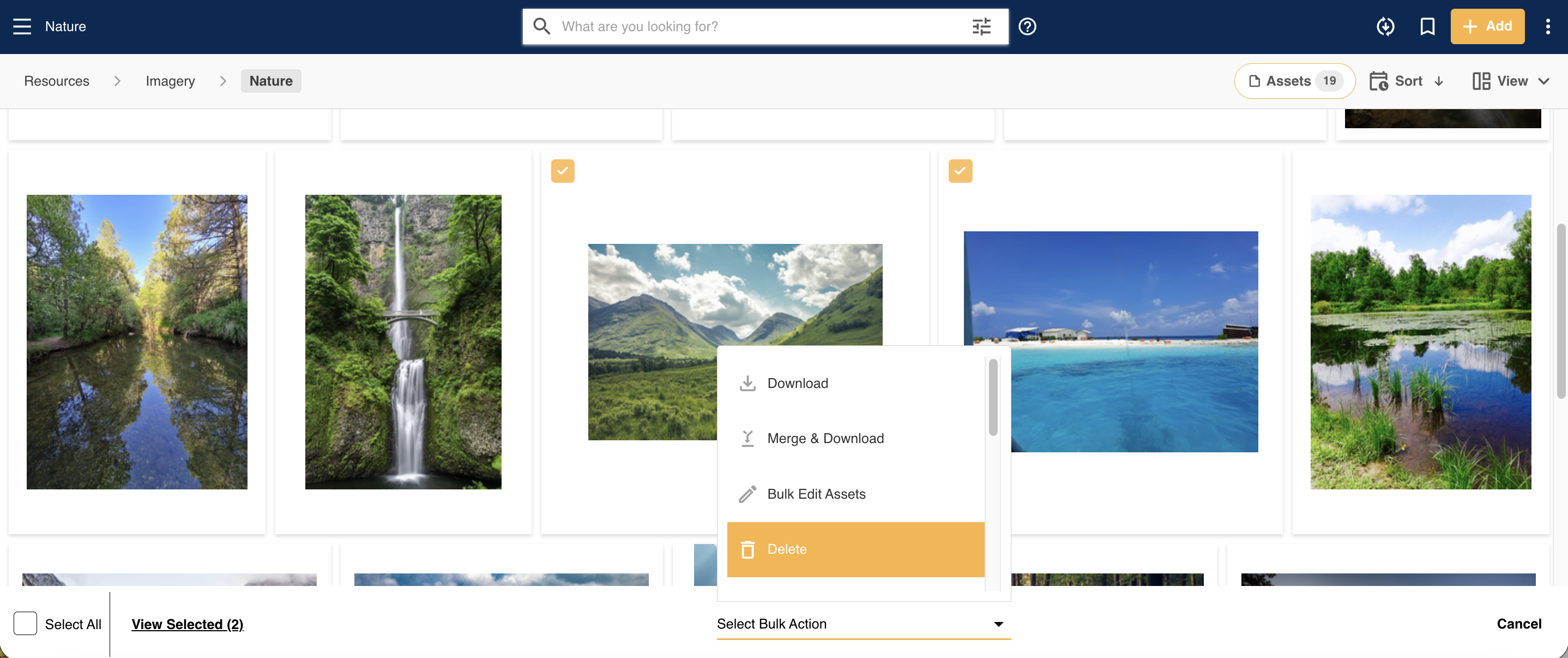
- Bulk select the assets you wish to delete.
- From the Bulk Action menu, select Delete.
- A Delete Confirmation window will then pop up, where you can confirm that you truly mean to delete these assets. Check the Confirm checkbox, then click Delete.
- The assets will then be deleted from the platform.
Things to Note about Deleting Assets
Deleting an asset that has aliases will also remove those aliases from the platform.
Deleted assets that have been shared (either internally or publicly) will no longer be accessible on any share links.
Deleting an asset that has undergone approval will not remove its approval history from the platform. That approval history/data will still be accessible within the Approvals List or Data Reports.
Main Admins can track asset deletion (including what assets were deleted, by whom, and when) within the Admin>Users>Global Usage area of the platform.
Can Deleted Assets be Recovered?
Deleted assets can be restored by Main Admins via the Recycle Bin, if they were deleted within the last 30 days.
If assets were deleted after 30 days but within 90 days, please contact your dedicated Customer Success Manager, who can help get them restored from our backend.
Assets deleted past 90 days are permanently deleted from IntelligenceBank and cannot be retrieved.
*Note that the name given to modules, features and information items may vary in your platform as they can be customized by Main Admin users.
Was this article helpful?
That’s Great!
Thank you for your feedback
Sorry! We couldn't be helpful
Thank you for your feedback
Feedback sent
We appreciate your effort and will try to fix the article