Overview
IntelligenceBank Content Risk Reviews is the ultimate solution for creating legally compliant, AI-generated content directly within Adobe GenStudio for Performance Marketing.
By automatically identifying legal and compliance risks in your content copy, IntelligenceBank empowers marketing teams to produce approved content faster and more confidently than ever.
Integrated seamlessly into Adobe GenStudio for Performance Marketing, IntelligenceBank Content Risk Reviews leverages AI and industry-specific risk rules — including FINRA, Retail Banking, Medicare, and other advertising guidelines — to instantly flag potential breaches of legislation and regulatory standards. It also offers customizable risk detection, allowing you to tailor compliance checks to your organization's unique needs.
Key Benefits
- Identify breaches of industry legislation and regulatory standards.
- Customize risk detection with rules specific to your business needs.
- Integrated directly into Adobe GenStudio for Performance Marketing.
How To Install
You can find and install the app by following the instructions against the listing in the Adobe Exchange marketplace for Experience Cloud.
For general information about acquiring and managing integrations with Adobe Exchange, visit this page.
How To Use
Once the integration is installed, it will appear to users in the integrations panel within the Adobe GenStudio experience creation and editing area.
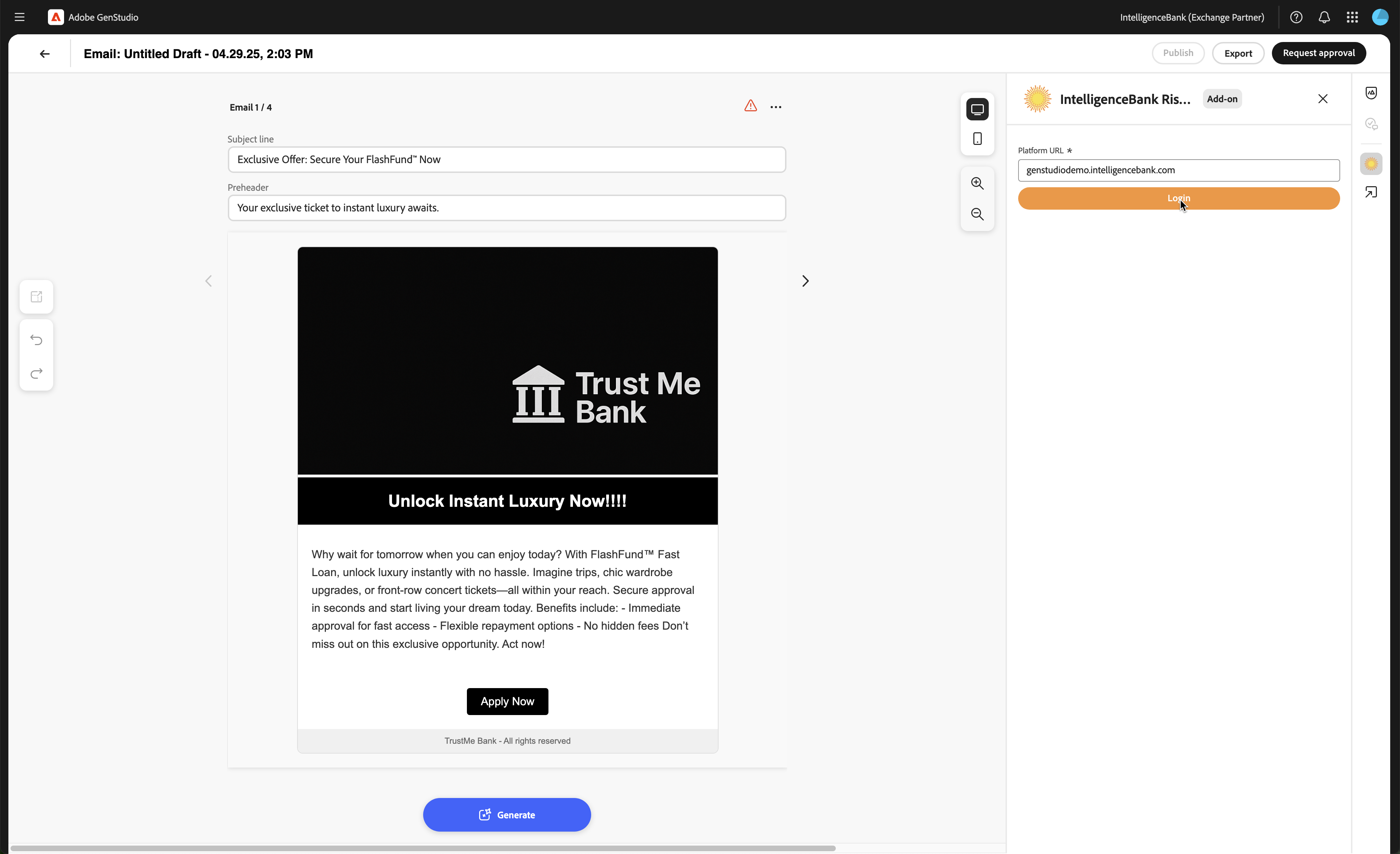
Log in to your IntelligenceBank platform by following these steps:
- Enter your platform URL and click Login. This will open your platform login page in a new tab.
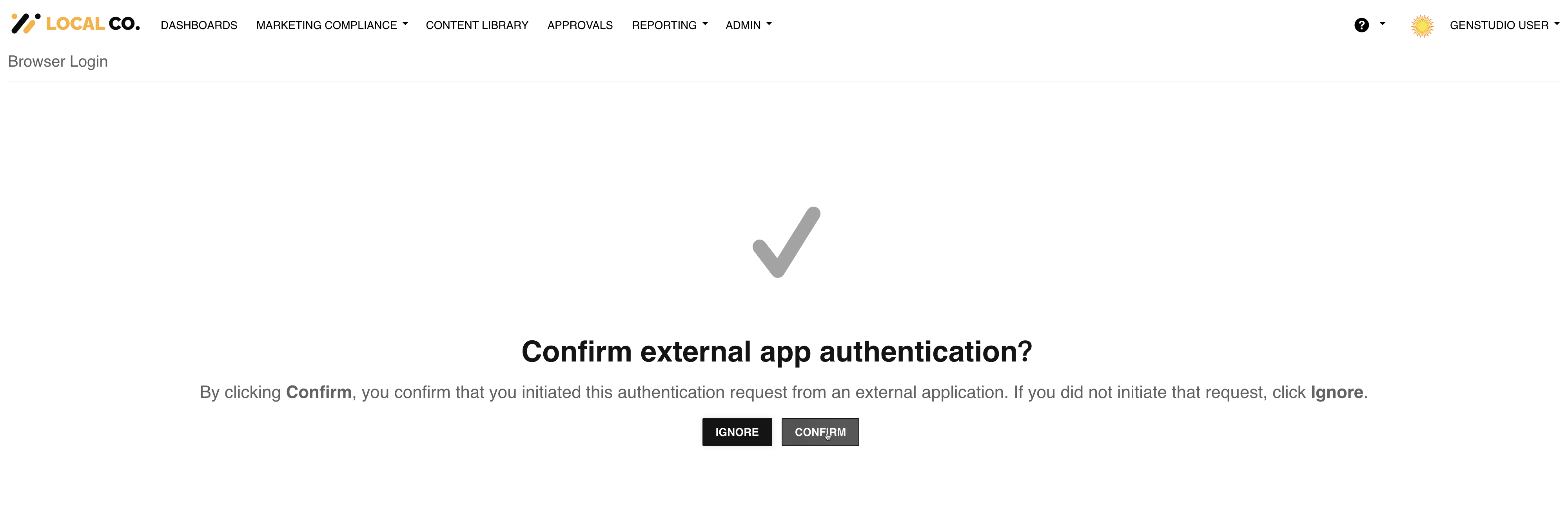
- Log in as you would normally, either via username/password or single sign-on. You will then be prompted to confirm the external app authentication. Click Confirm.
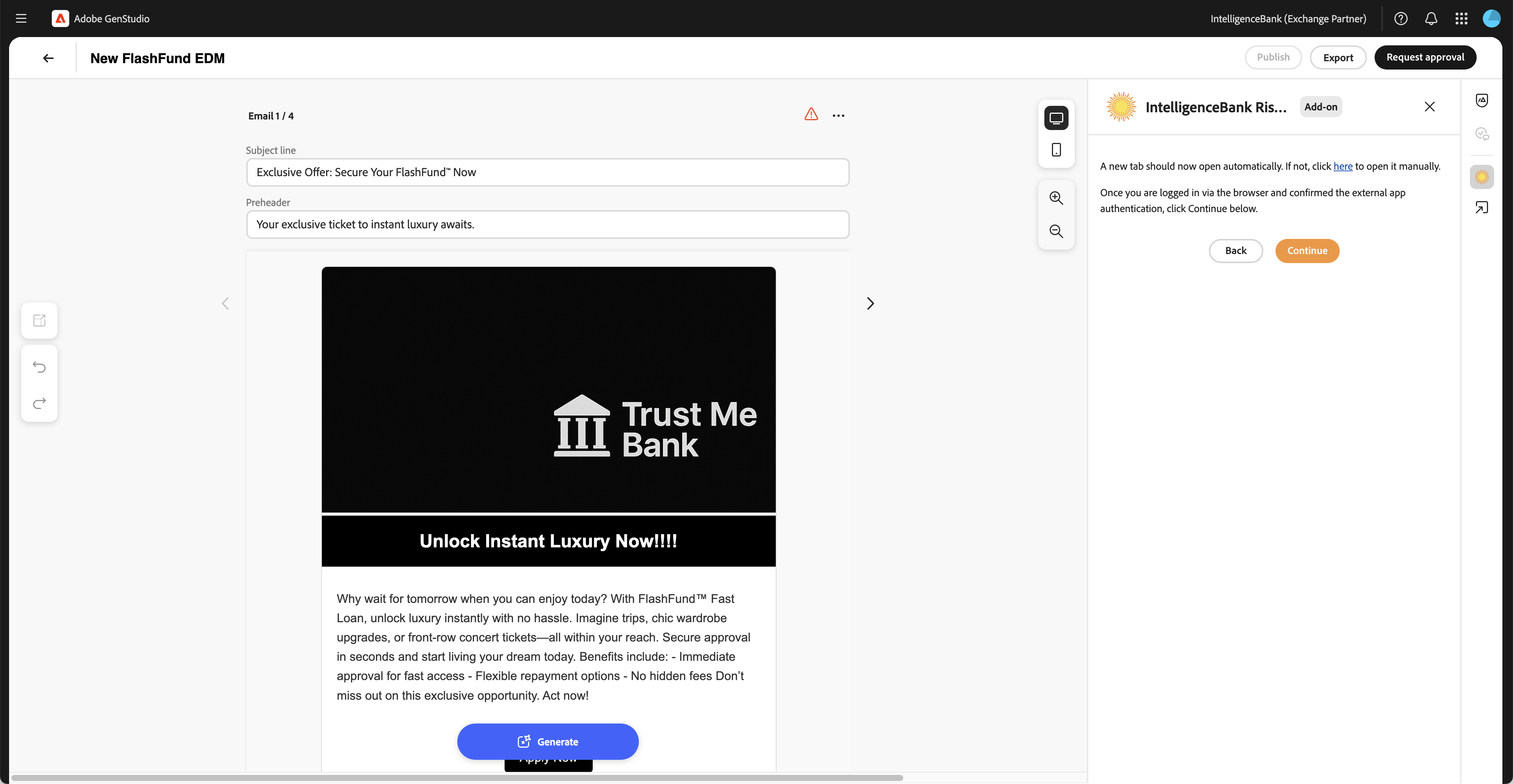
- Return to the integration panel in GenStudio and click Continue to initiate your session.
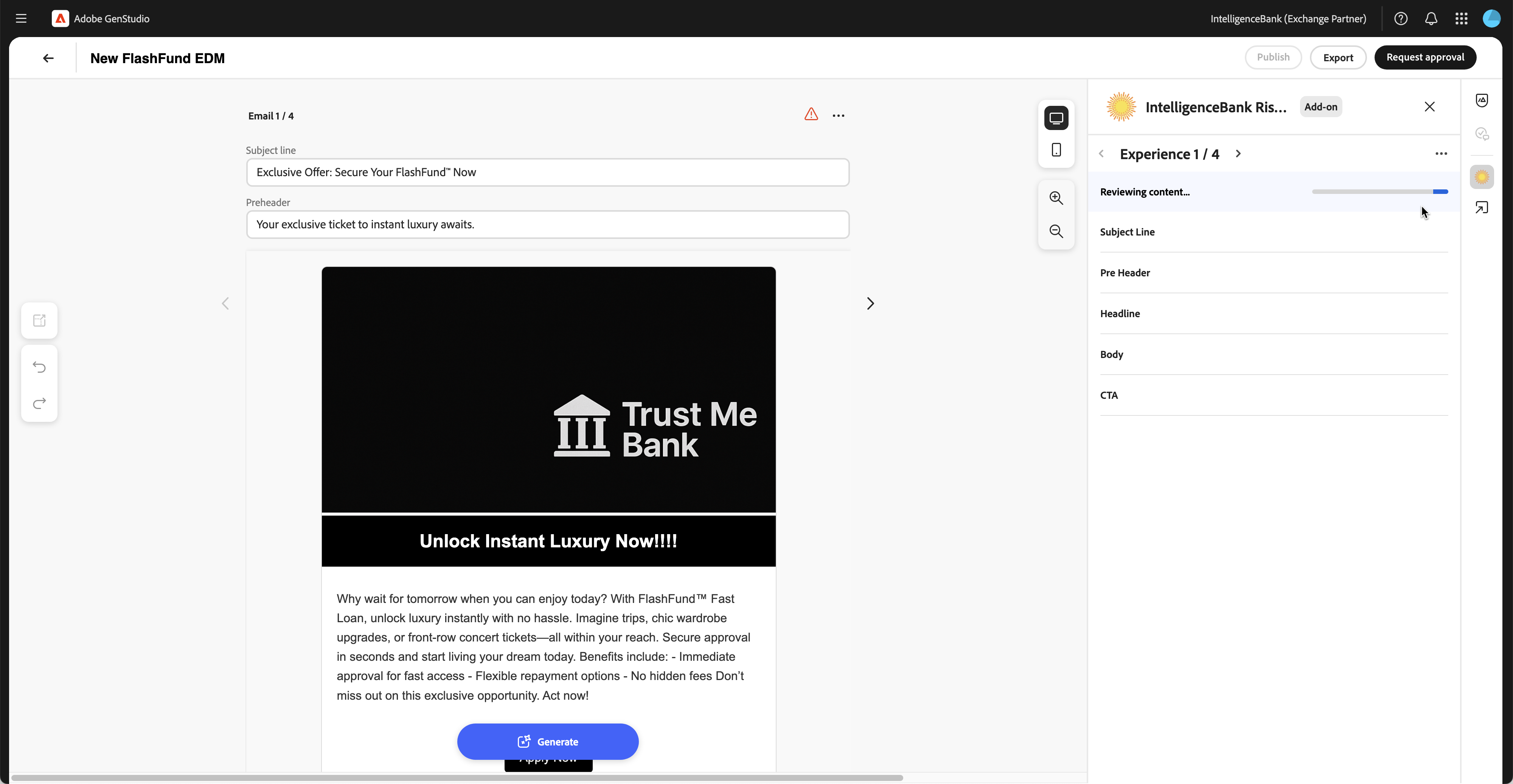
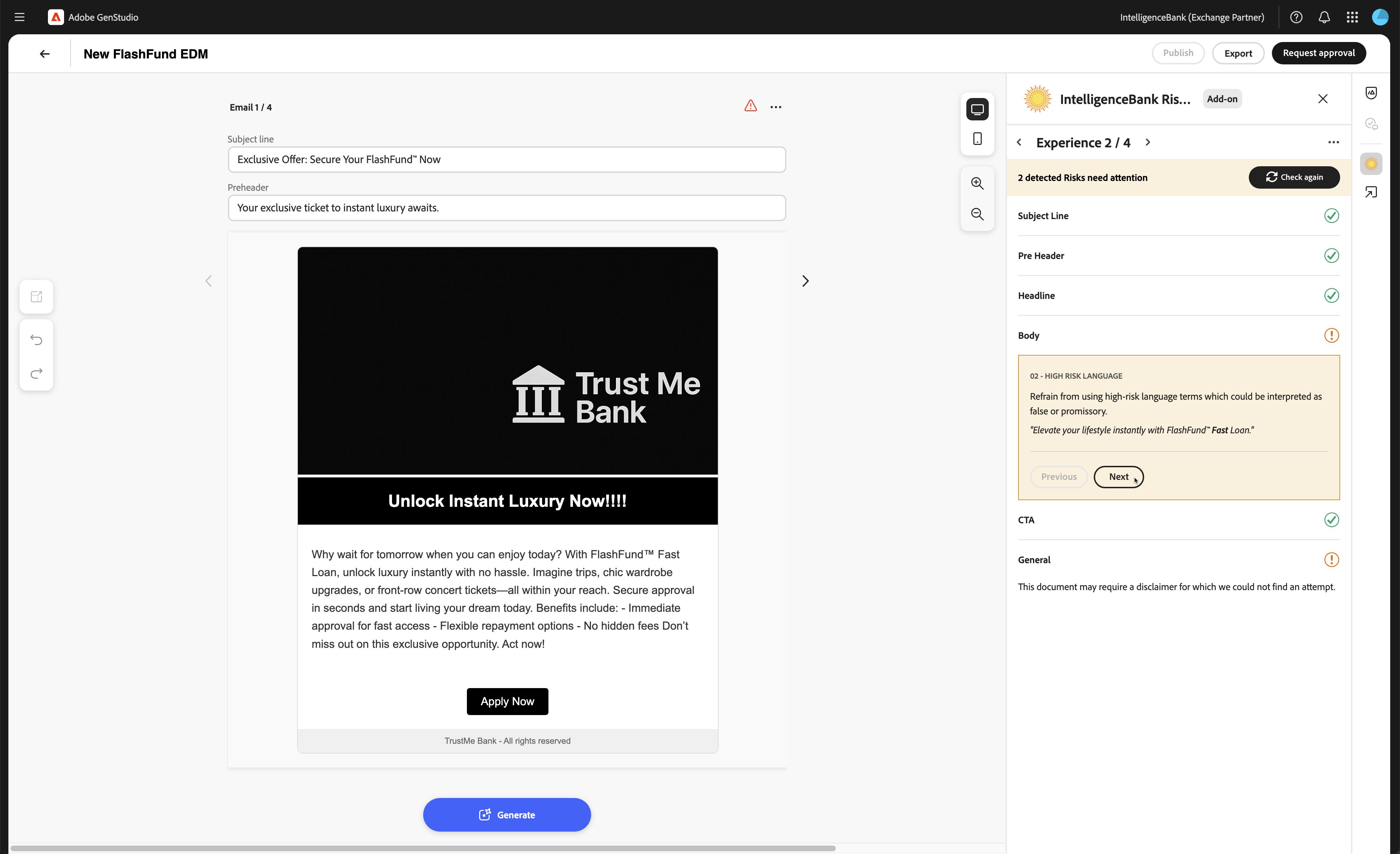
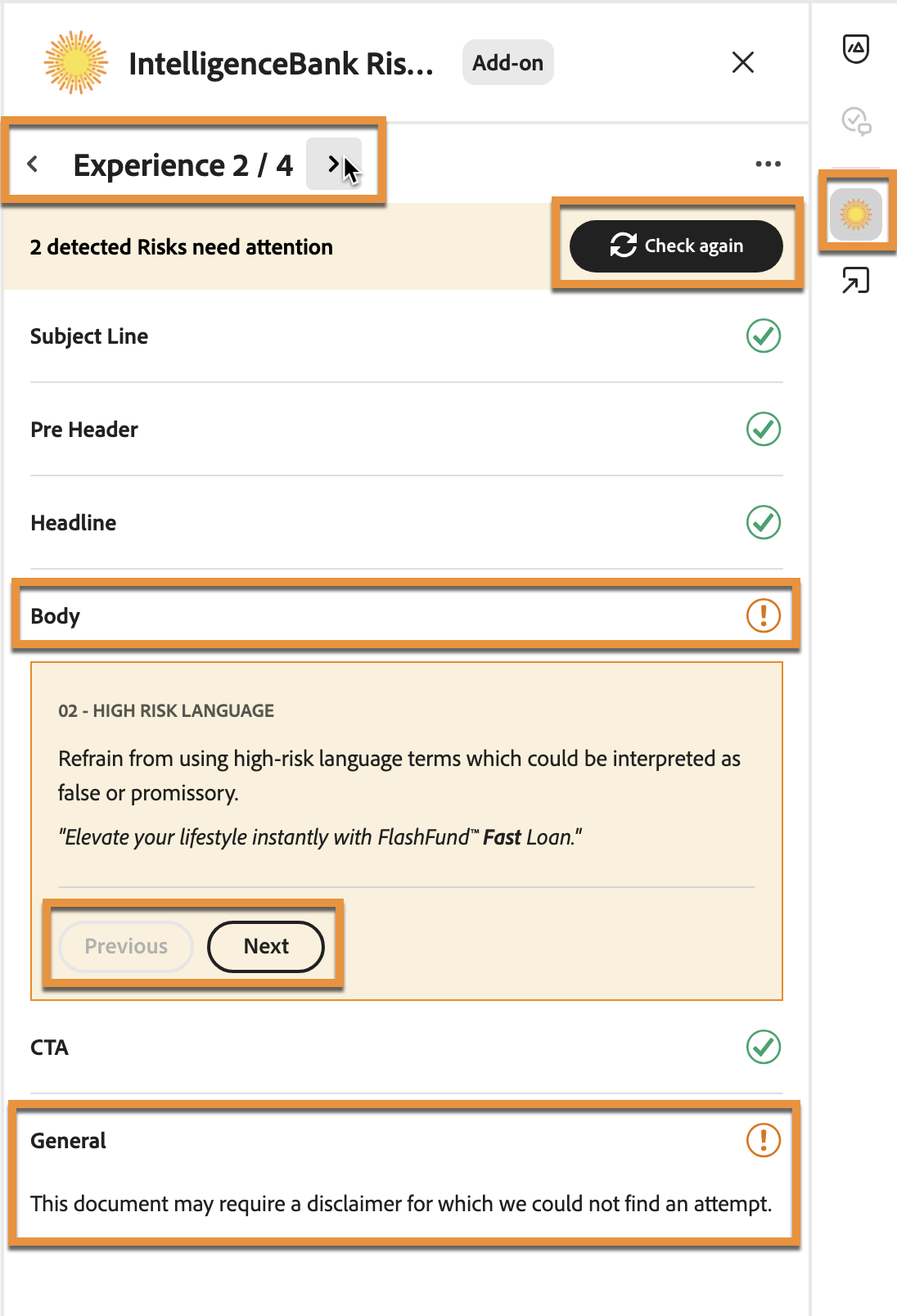
- Upon login, the text copy generated or edited will automatically be sent for risk review (if it has not been reviewed before). If any risks are detected, they will be displayed in the side panel against each experience — use the arrows at the top of the panel to navigate between experiences. As you make edits, click Check again to initiate a fresh review of the latest content copy, until all risks are addressed.
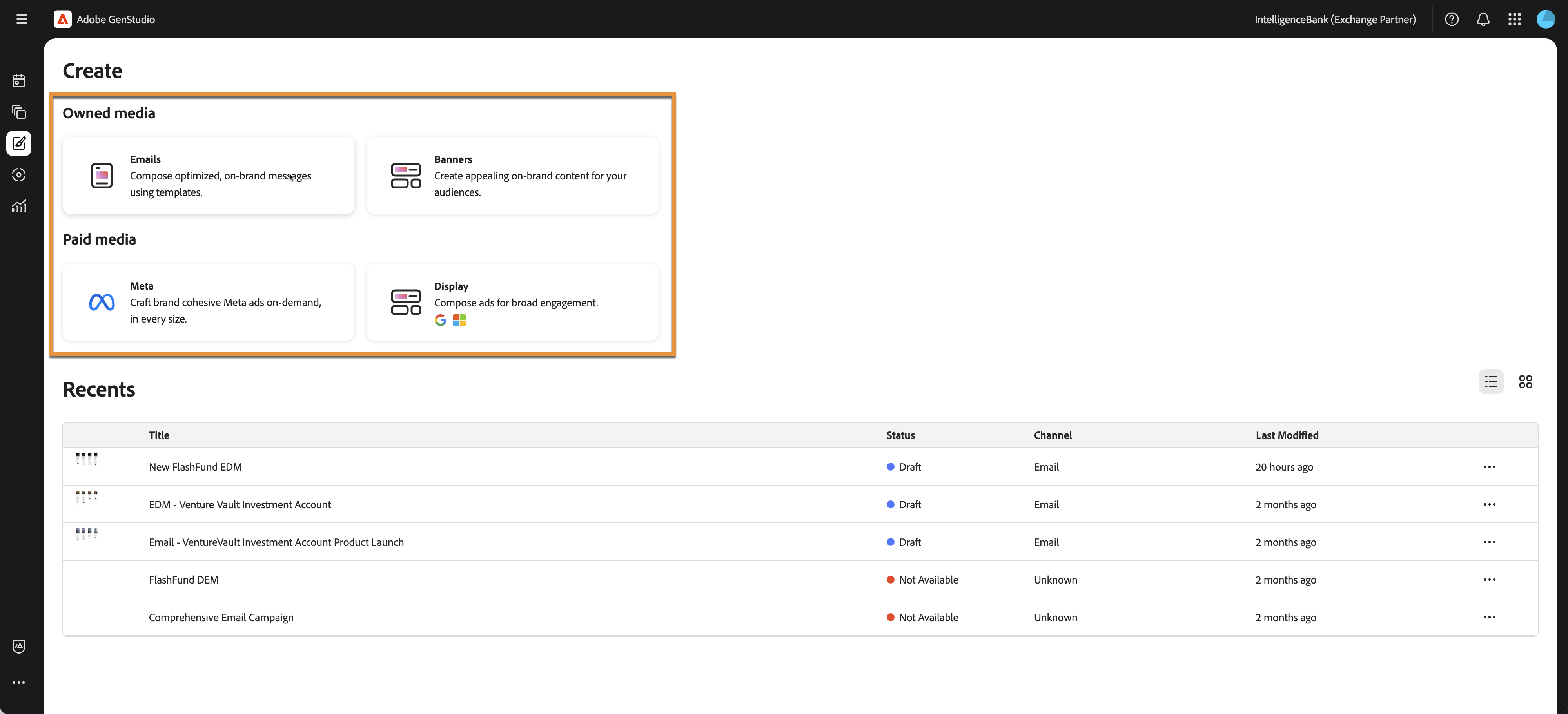
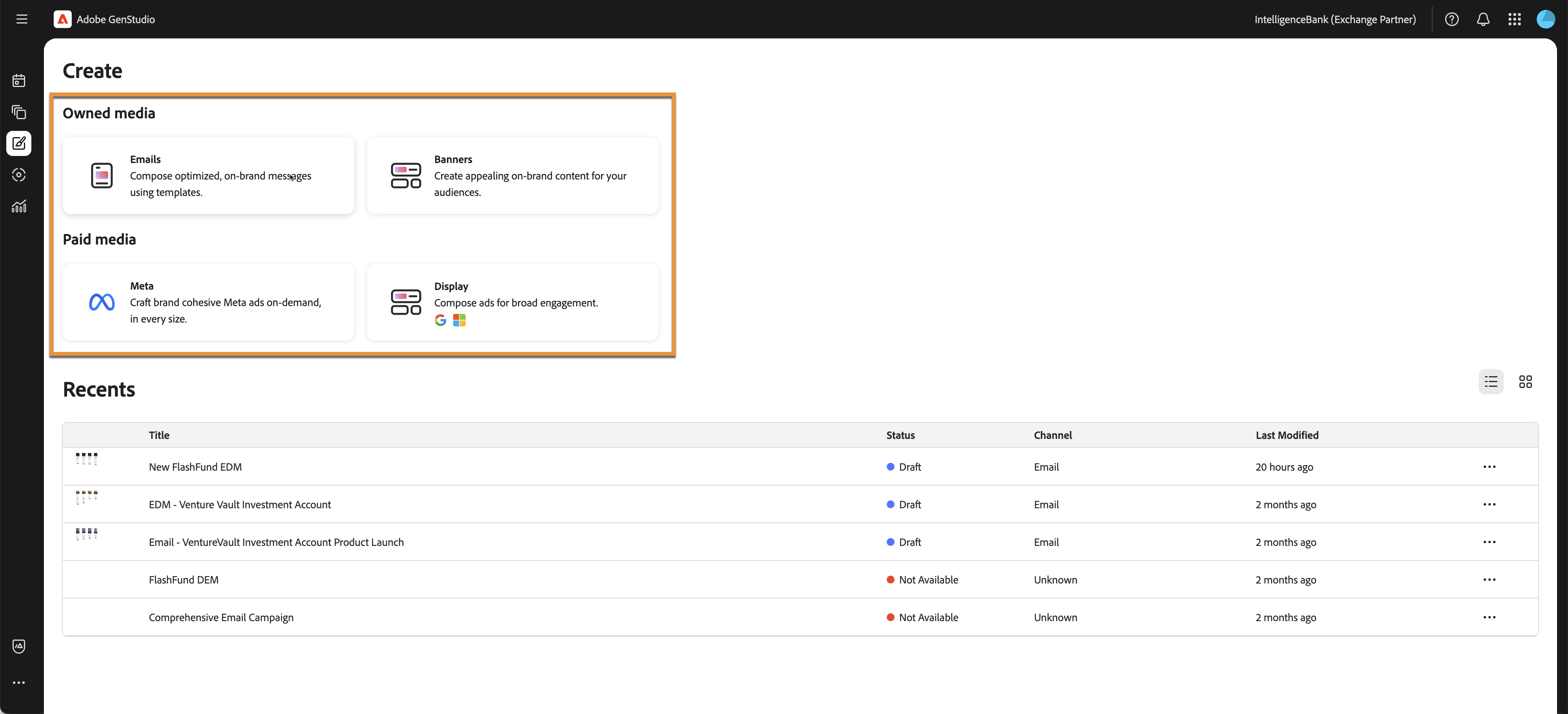
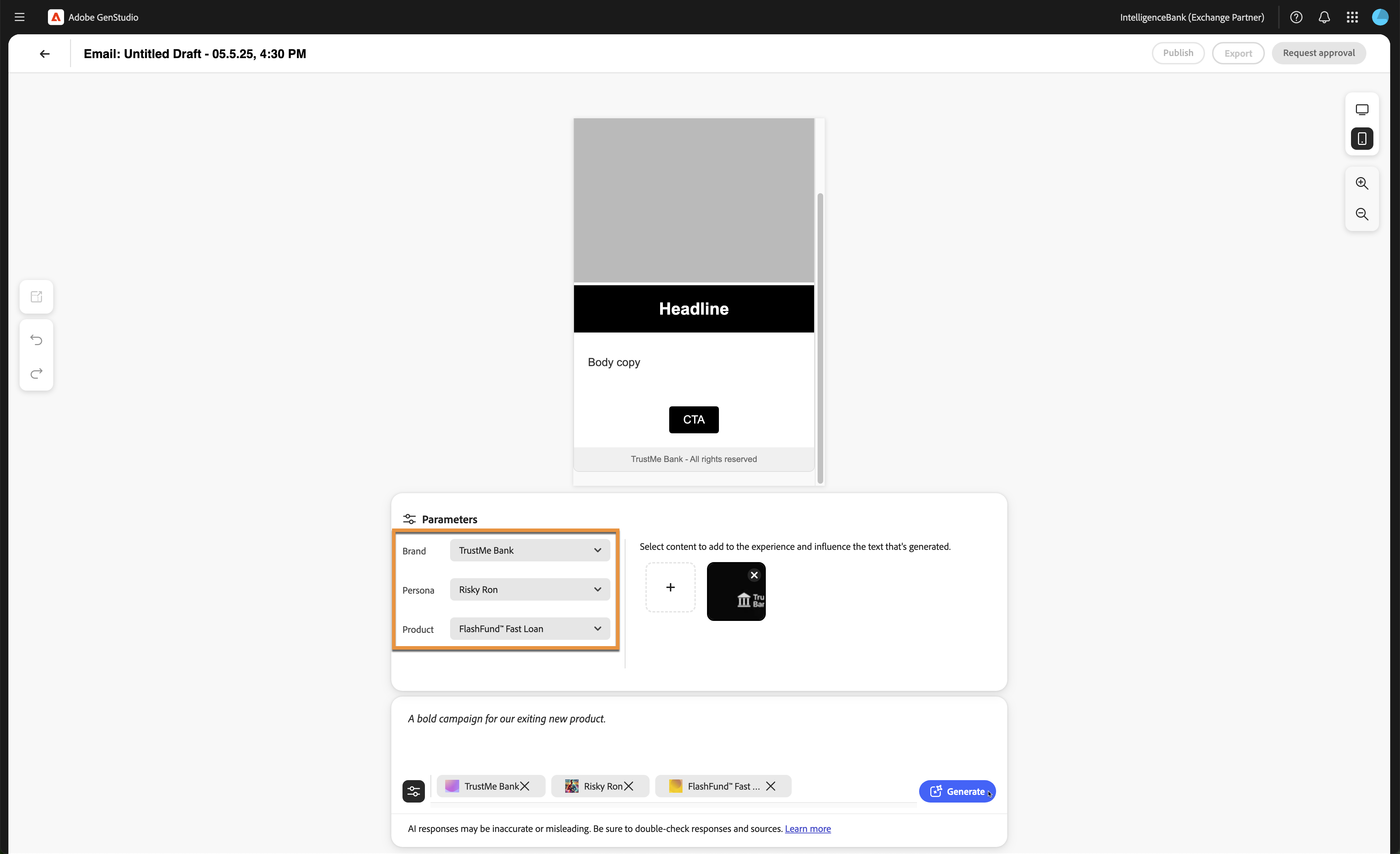
Custom Category selection as part of Risk Reviews is currently not supported. However, the Channel (Email, Banner, Meta, Display…), Brand, Product, and Persona selected when creating the experience are always automatically included as placeholder Categories as part of the Risk Reviews. These can be created as such in IntelligenceBank to conditionally apply risk rules based on the values selected.
Was this article helpful?
That’s Great!
Thank you for your feedback
Sorry! We couldn't be helpful
Thank you for your feedback
Feedback sent
We appreciate your effort and will try to fix the article