Adding Filters on Custom Pages will help you access desired pages quickly and easily, especially if you have a large list of pages within your platform.
To set-up a filter on your Custom Pages, navigate to Admin>Filters
Click Enable Filter for Custom Pages.
Add in your Filter Values and Save.
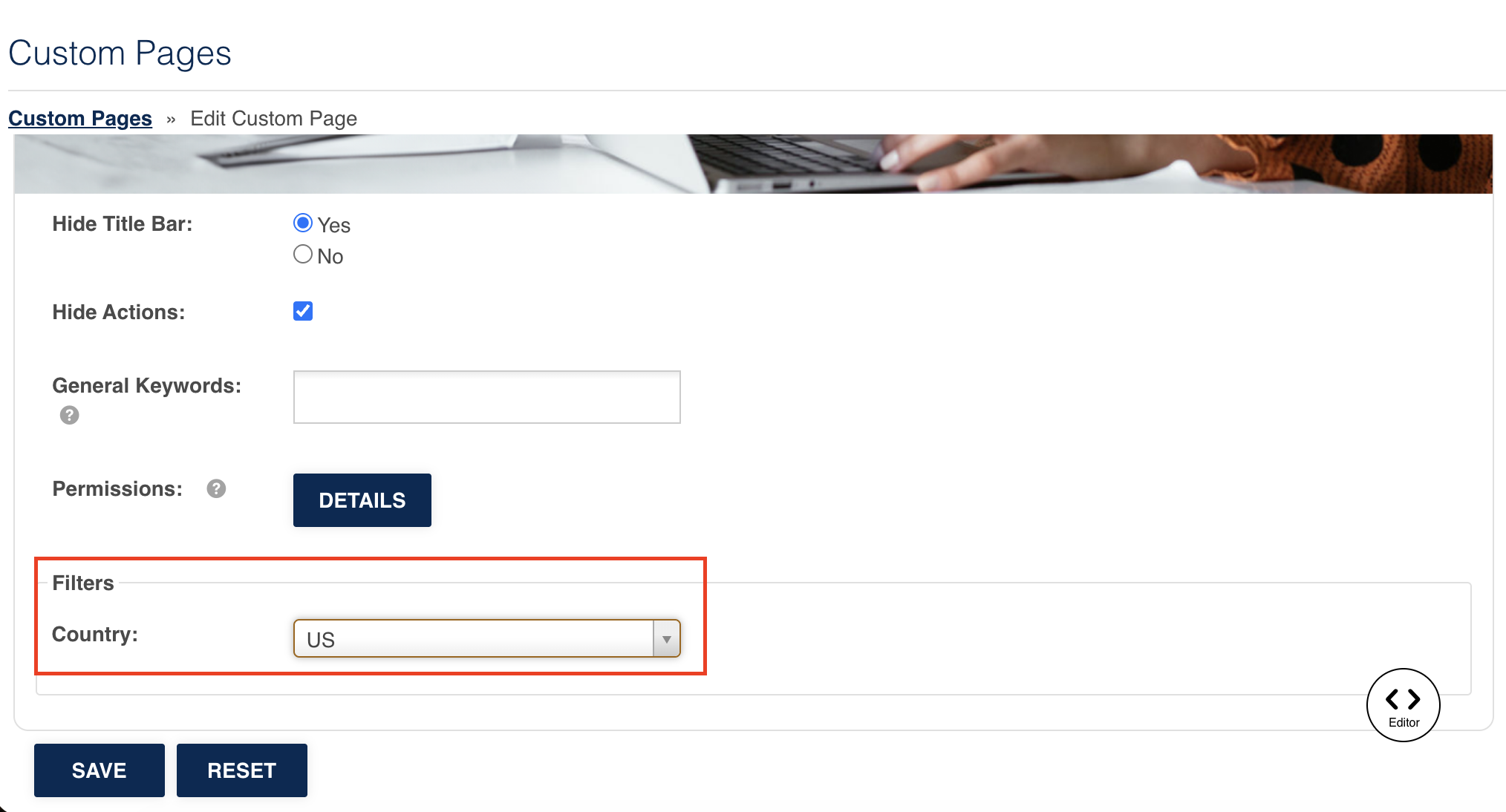
Now you can save these Filter Values against your Custom Pages, either when you first create them or edit them.
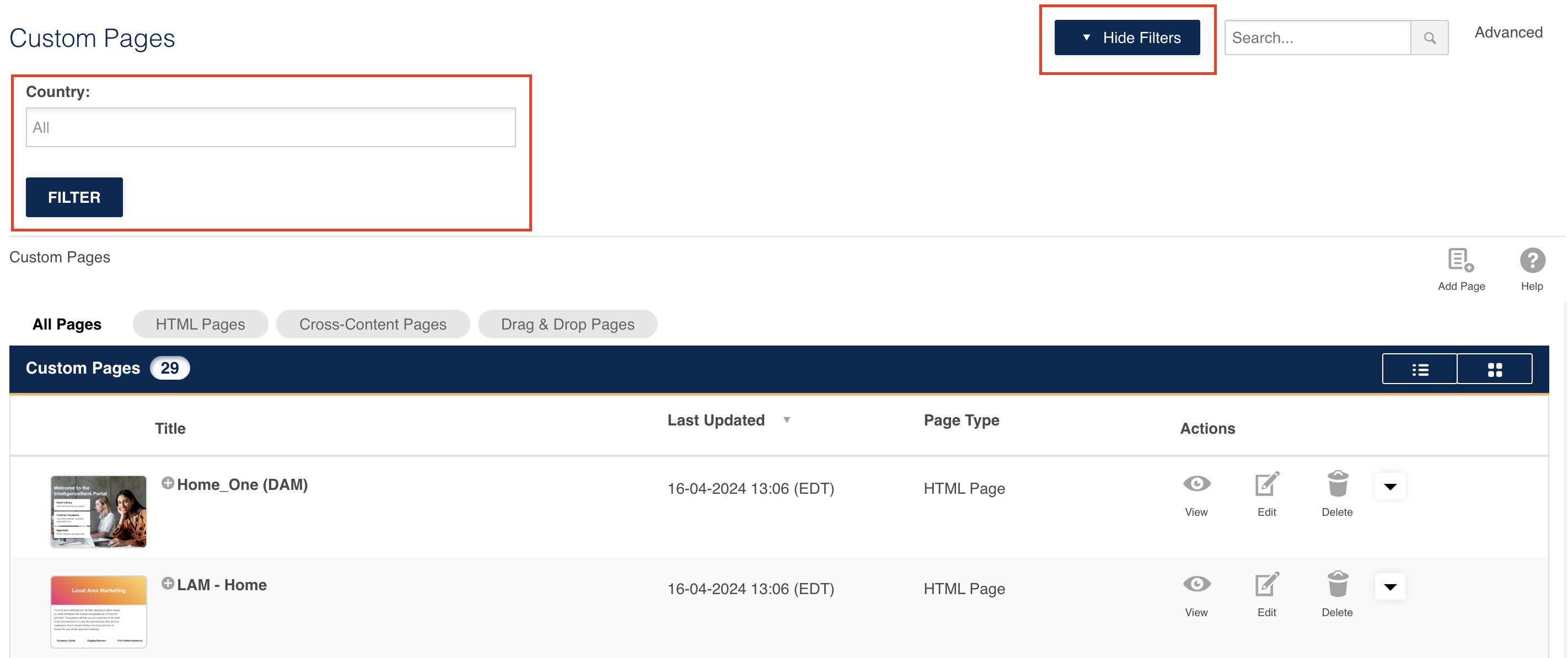
To filter through custom pages, click the Show Filter button at the top of the page when you go to your Custom Page area in Admin>Custom Pages.
The relevant Filters will show up, which you can use to quickly locate the page you need.
Was this article helpful?
That’s Great!
Thank you for your feedback
Sorry! We couldn't be helpful
Thank you for your feedback
Feedback sent
We appreciate your effort and will try to fix the article