To Download a Custom Page as a PDF, go to your list of Custom Pages and click the downward arrow to the right of the Page name.

Select Download PDF
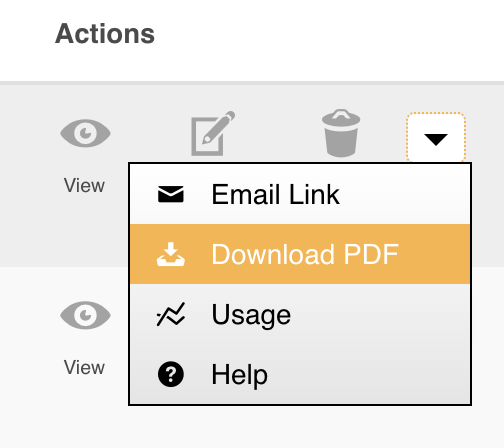
You will then see a list of Download options.
Depending on the content within your Custom Pages, either 'Portrait' or 'Landscape' may best suit the page.
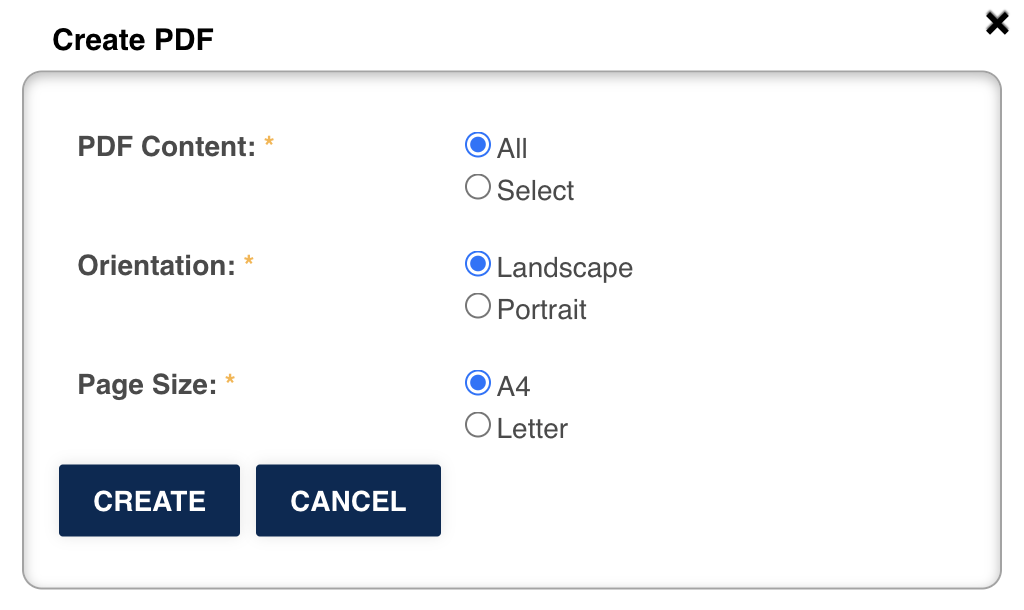
If this is selected, the Cross-Content page names will appear. Select as many or few as you require.
Click Create
The PDF should automatically start downloading, but may do so into your computer's 'Downloads' folder.
You can now save, share, or print this PDF as required.
Was this article helpful?
That’s Great!
Thank you for your feedback
Sorry! We couldn't be helpful
Thank you for your feedback
Feedback sent
We appreciate your effort and will try to fix the article