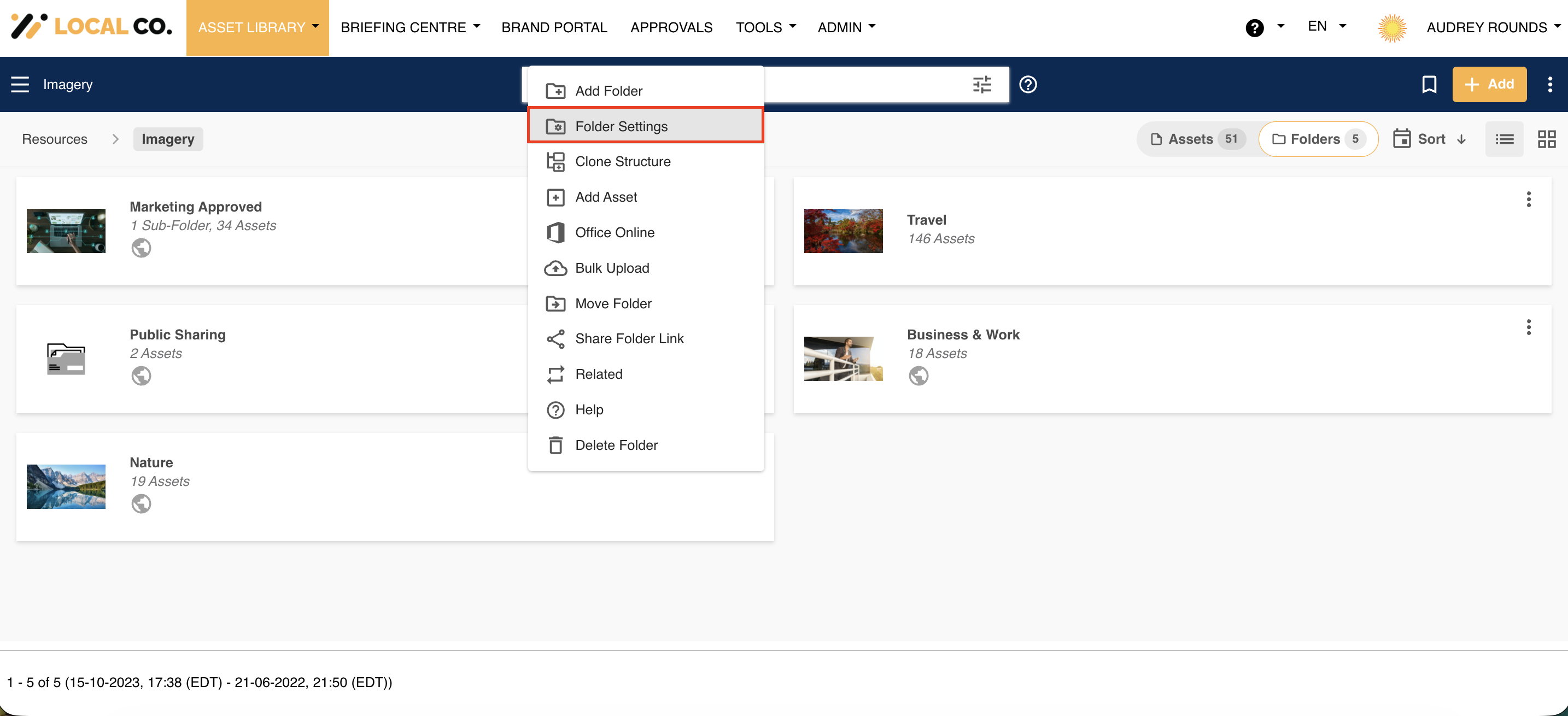
Folders can be edited by clicking on Folder Settings in the folder dropdown action menu.
This allows Admins to edit the folder's settings, such as its name, description, or modify any of its advanced settings (review date, public sharing, etc).
For a more detailed overview of a folder's settings, please refer to this article.
*Note that some features may not be available on a folder level if they are not enabled in the Admin section of the platform.
*Note that the name given to modules, features and information items may vary in your platform as they can be customized by Main Admin users.
Was this article helpful?
That’s Great!
Thank you for your feedback
Sorry! We couldn't be helpful
Thank you for your feedback
Feedback sent
We appreciate your effort and will try to fix the article