Installation Method 1 - Adobe Exchange Marketplace
Before starting, it is recommended to close any Adobe application that may be currently open.
You can download the add-on from the IntelligenceBank Adobe Exchange page, or search for "IntelligenceBank" on the Adobe Exchange Marketplace.
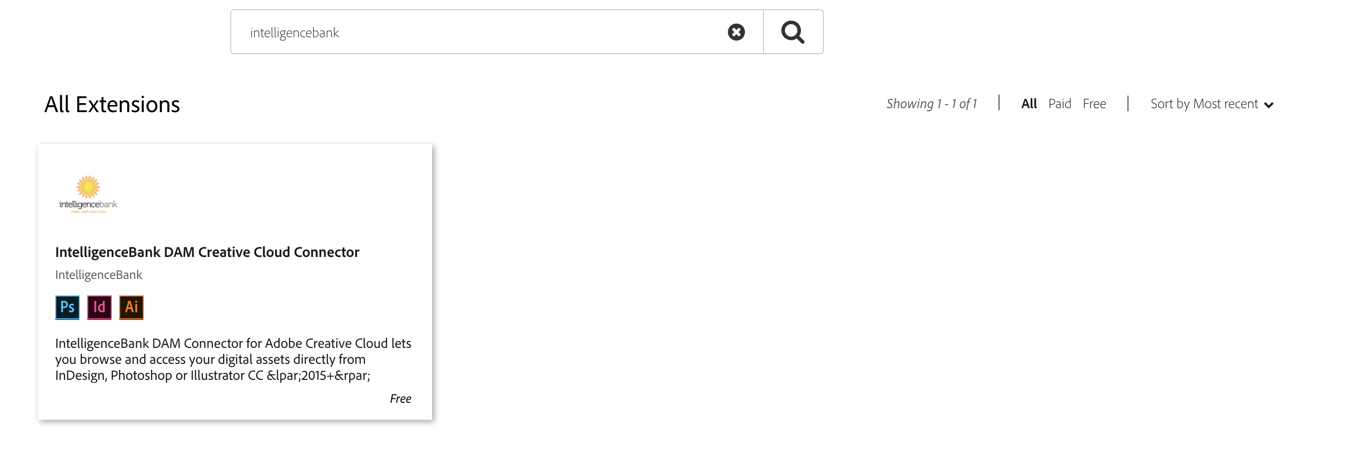
Alternatively, you can access the connector product page directly here.
On the connector product page, click Free in the top right of the page to start acquiring it. Once completed, the button will switch to Acquired.
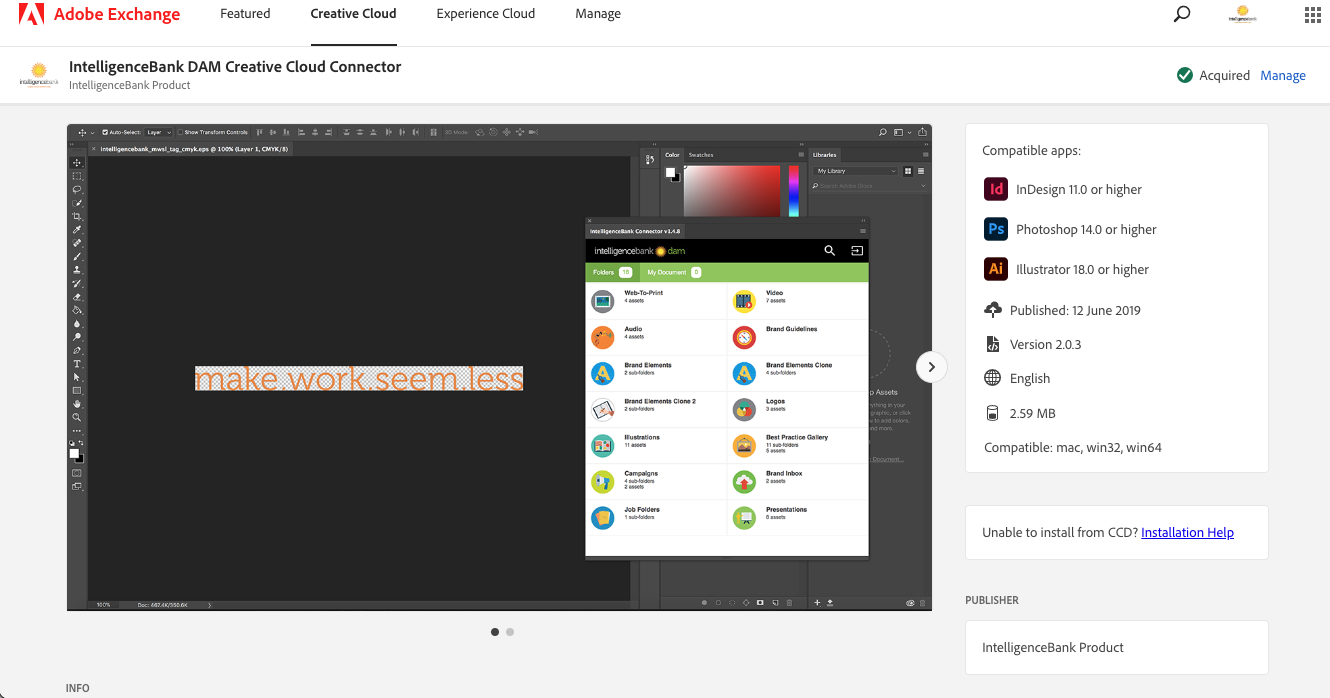
You can track installed plug-ins under the My Adobe Exchange section.

On your computer, log in to the Creative Cloud Desktop application that manages all your Adobe software and add-ons to start syncing the acquired plug-in.
Make sure that File syncing is enabled in your account preferences. If not, enable it and restart the Creative Cloud Desktop application.

The IntelligenceBank Connector should appear under Marketplace > Manage plugins, with a status of Installed.

Launch your Adobe Creative Cloud application. Under Window > Extensions, select IntelligenceBank Connector to launch the add-on extension.

Use your platform login credentials to authenticate and start interacting with your IntelligenceBank content directly from within Adobe.
If the installation method above doesn't work, you can visit the Adobe Exchange Troubleshooting Page, or use the manual installation steps below.
Installation Method 2 - Manual Installation Using an Installer
This method is not recommended - all add-ons should preferably be installed and managed directly via Adobe Creative Cloud, as per the steps above. The main reason is that if a critical update of the connector is released, the update will not be automatically deployed to your Creative Cloud applications. However, if you are unable to use the Exchange method, you can try a manual install instead.
To manually install the connector, follow the instructions on this page.
Please ensure your Adobe Creative Cloud applications are closed before installing the IntelligenceBank Connector.
After the install is completed, launch your Adobe Creative Cloud application. Under Window > Extensions, select IntelligenceBank Connector to launch the plug-in.
Was this article helpful?
That’s Great!
Thank you for your feedback
Sorry! We couldn't be helpful
Thank you for your feedback
Feedback sent
We appreciate your effort and will try to fix the article