My Account is where you set up your personal information such as, your contact email, phone number, your user photo, and your platform alert settings.
How to Access My Account
To get to the My Account area:
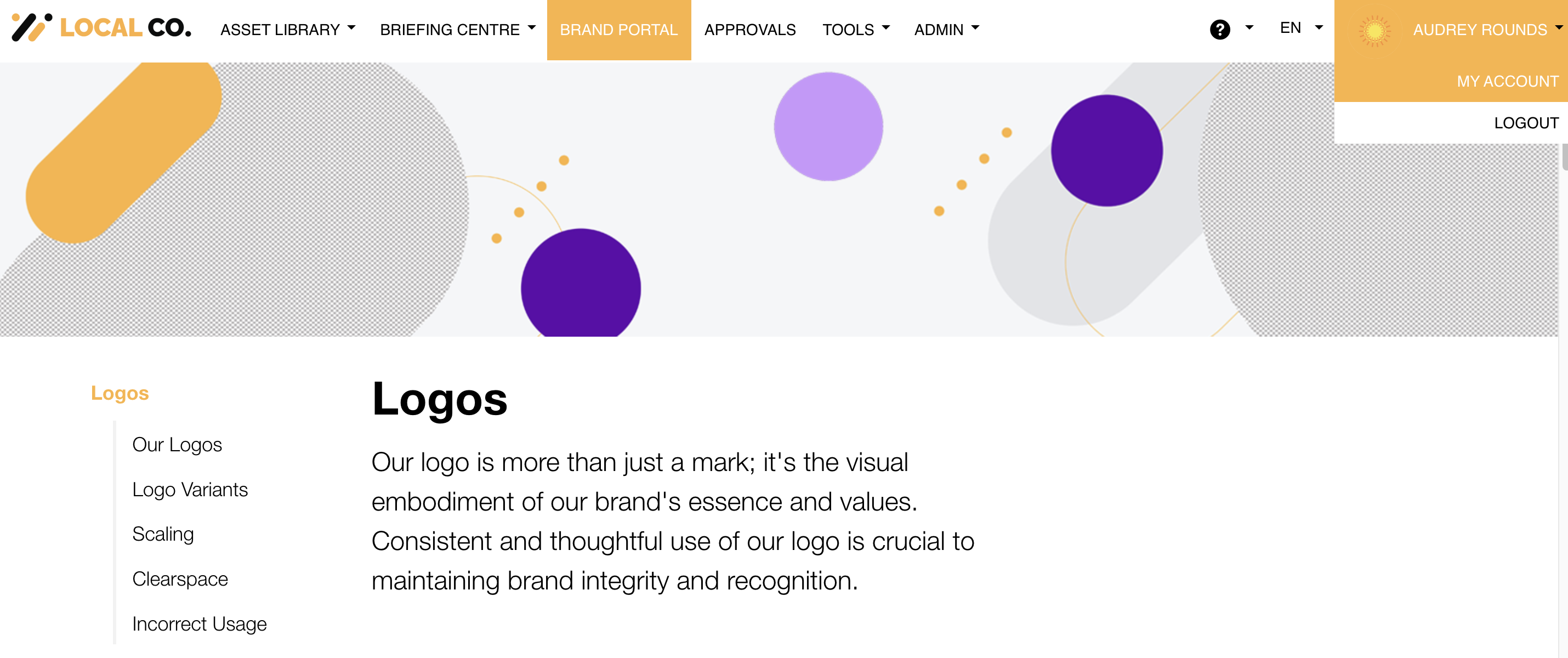
| 1Hover over your name | Hover over your name (upper right hand side of the platform). |
| 2Select My Account | Select My Account from the dropdown that shows up.
|
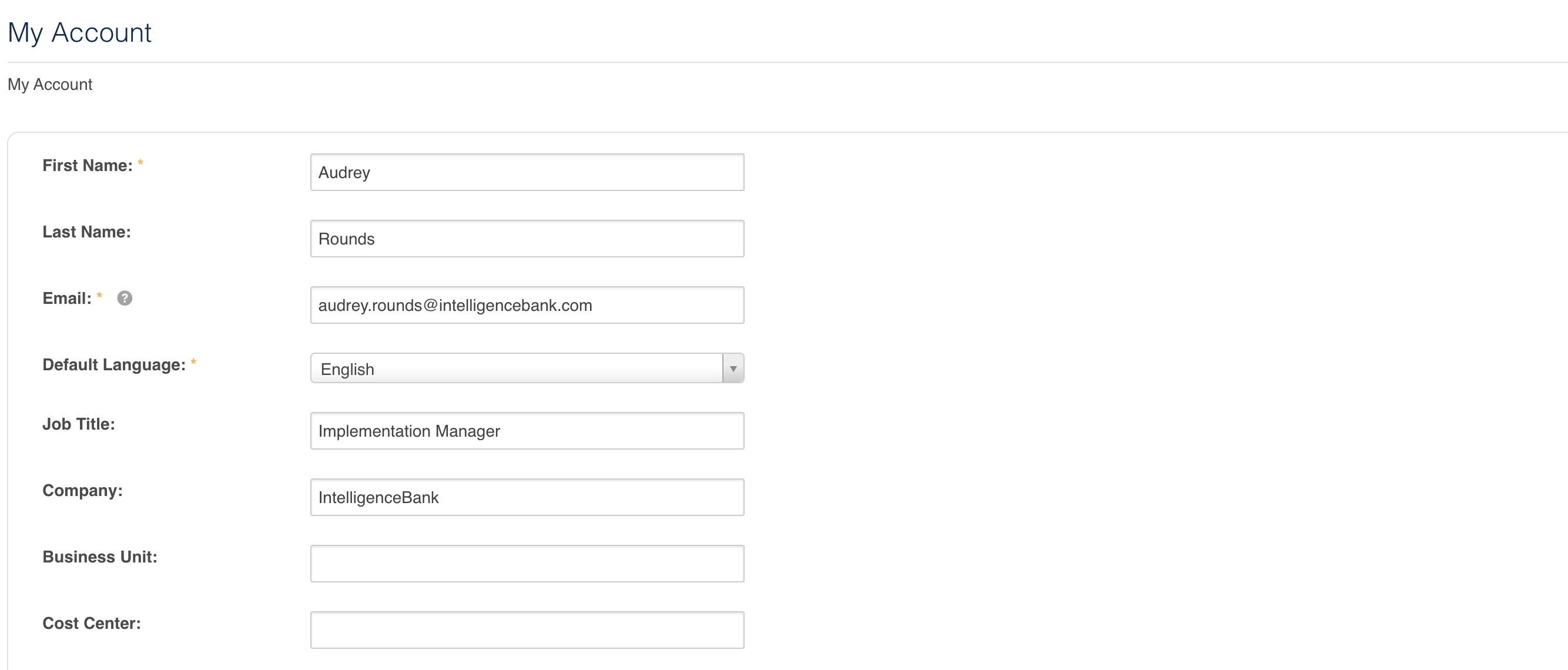
| 3Update your details | Once you're taken to your My Account page, you can enter or update your personal details, such as Job Title, Company, Phone Number, etc. This is also where you can go to add or update your alert cadences. To learn more about how to do this, please refer to the Alerts- My Account section in this article.
|
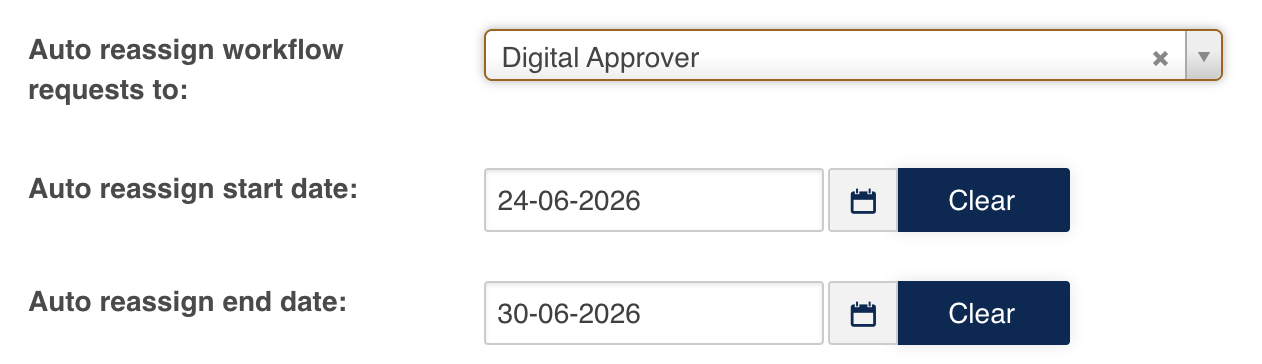
| 4Set up auto reassign | You can also set up workflows so that any approval requests you need to review will be re assigned if you are on leave in the Auto reassign workflows to field. To learn more about how to do this, please refer to this article here.
|
Was this article helpful?
That’s Great!
Thank you for your feedback
Sorry! We couldn't be helpful
Thank you for your feedback
Feedback sent
We appreciate your effort and will try to fix the article