Emailing public or internal links to assets will get recorded against an asset's Usage details.
The ability to view an asset's usage details are available for users who have the following permission/permission combination levels:
- Main Admins
- Minimum of Access on Usage Reports + Folder Admin on Assets/Resources
- Minimum of Access on Usage Reports + Asset/Resource Admins
To view this information:
| 1 |
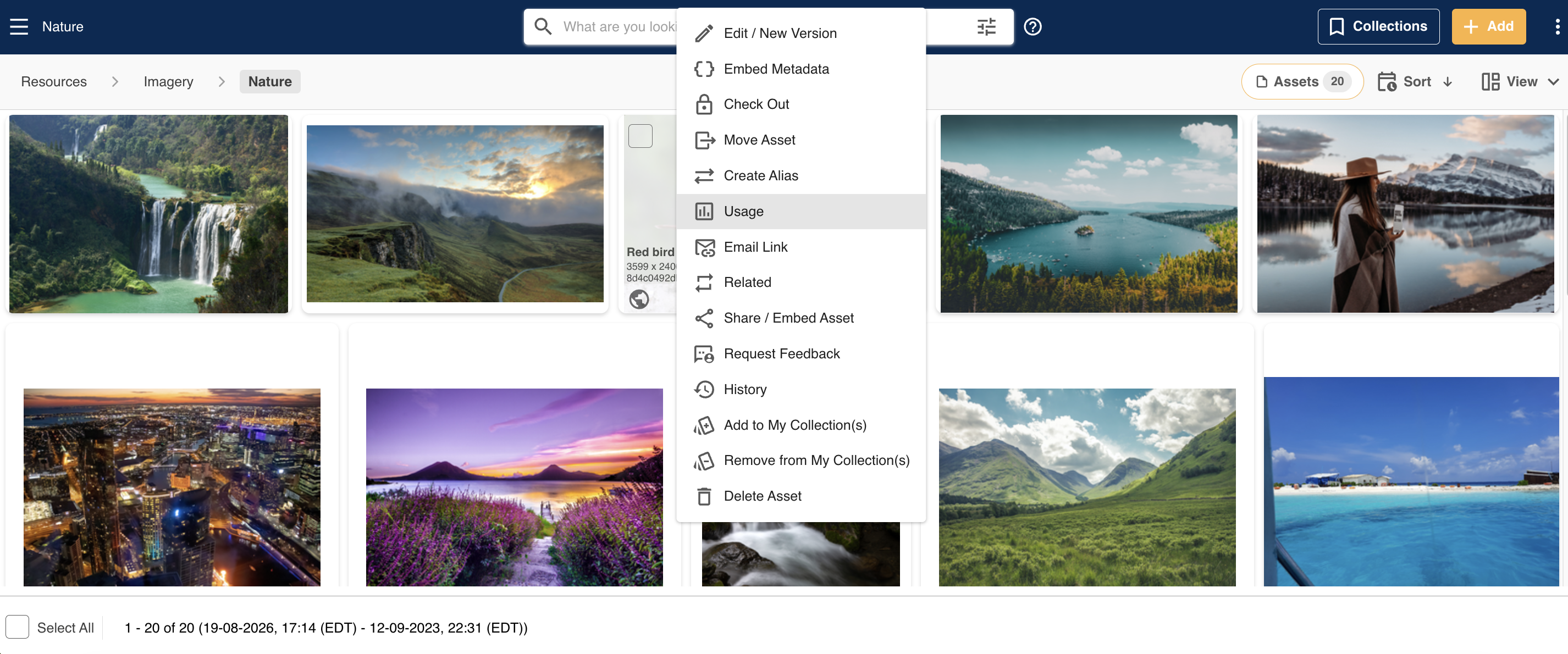
Navigate to the asset and select Usage from it's action dropdown menu.
 |
| 2 |
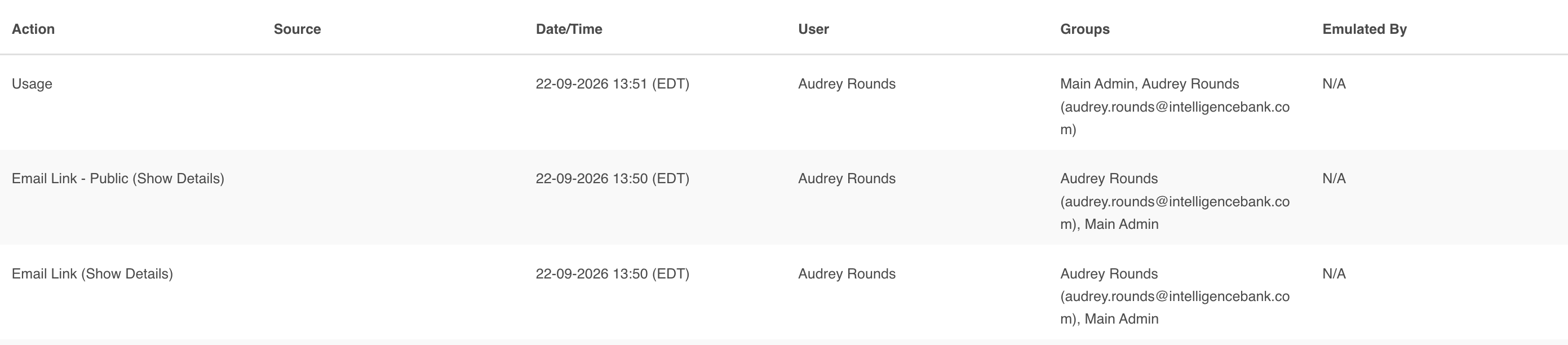
In addition to seeing other actions, such as Download and View (where applicable), you will also see when emails have been sent out against this asset, the date/time when this occurred, and which user sent it:
 |
Email Link Details
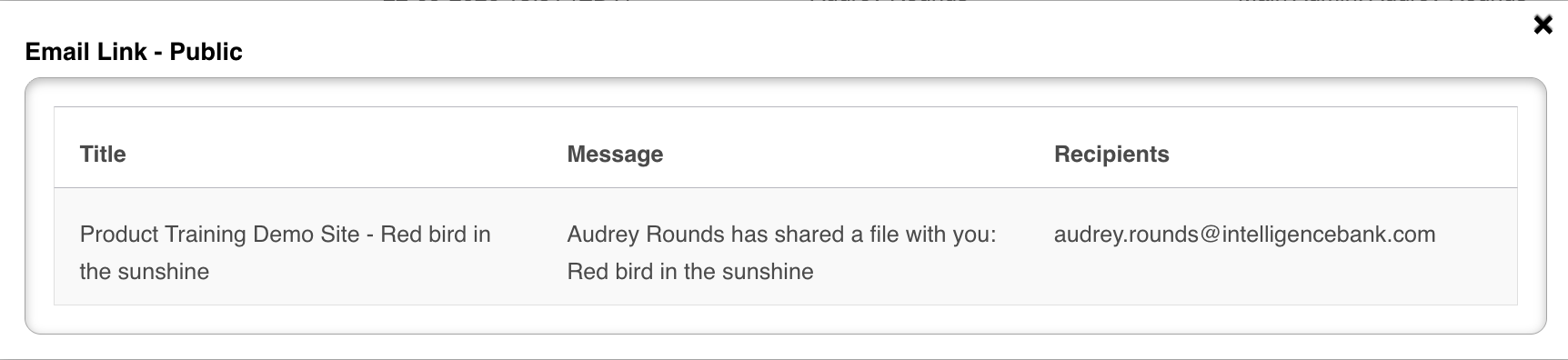
You can also select Show Details against an email action, which will display the title/name of the asset shared, the email message copy, and the recipients of the email link.
Was this article helpful?
That’s Great!
Thank you for your feedback
Sorry! We couldn't be helpful
Thank you for your feedback
Feedback sent
We appreciate your effort and will try to fix the article