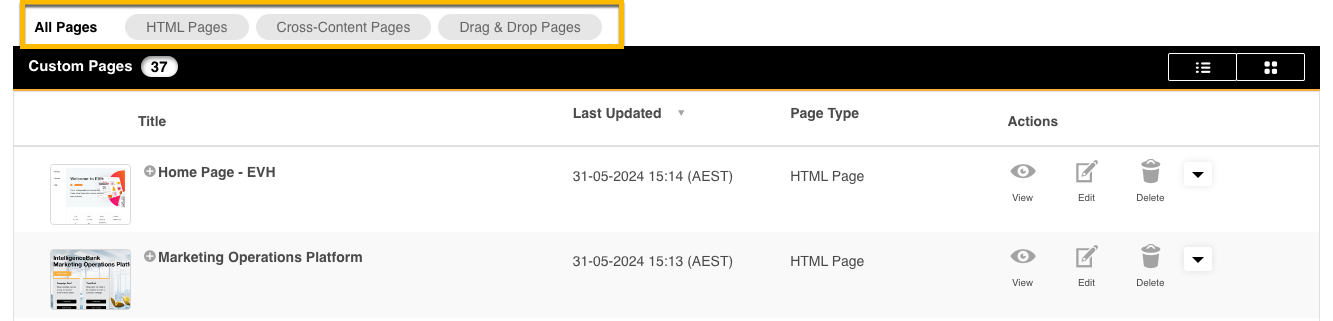
If you have multiple types of Custom Pages on your platform, you can easily sort between them by clicking the appropriate buttons above the Custom Page list in Admin>Custom Pages.
Clicking between these options is a fast way to locate the pages you need and you can filter to HTML, Cross-Content Pages or Drag & Drop Pages. Additionally, in the Drag & Drop Builder, you can also group and categories those Pages.
To see the entire list of pages again, simply select the All Pages option.
Was this article helpful?
That’s Great!
Thank you for your feedback
Sorry! We couldn't be helpful
Thank you for your feedback
Feedback sent
We appreciate your effort and will try to fix the article