The Ask for Help chatbot is an AI-powered assistant available directly within your site. It can answer common, straightforward questions about how to use the platform, so you can get the help you need without raising a support ticket or waiting for a response.
In this article
Key Benefits
The Ask for Help chatbot can help provide instant answers to your IntelligenceBank-related questions, right where you are in the platform, without interrupting your workflow or the need to send in support tickets. This helps speed up the time it takes for you to get the answers you need.
The chatbot can also help with (but is not meant to replace) training new users on how to perform certain, more straightforward actions within the platform, thus freeing up site administrator's time and speeding up the onboarding process for new users.
Limitations
How to Use It
- Hover over the question mark icon toward the top-right corner of your navigation bar and select "Ask for Help"
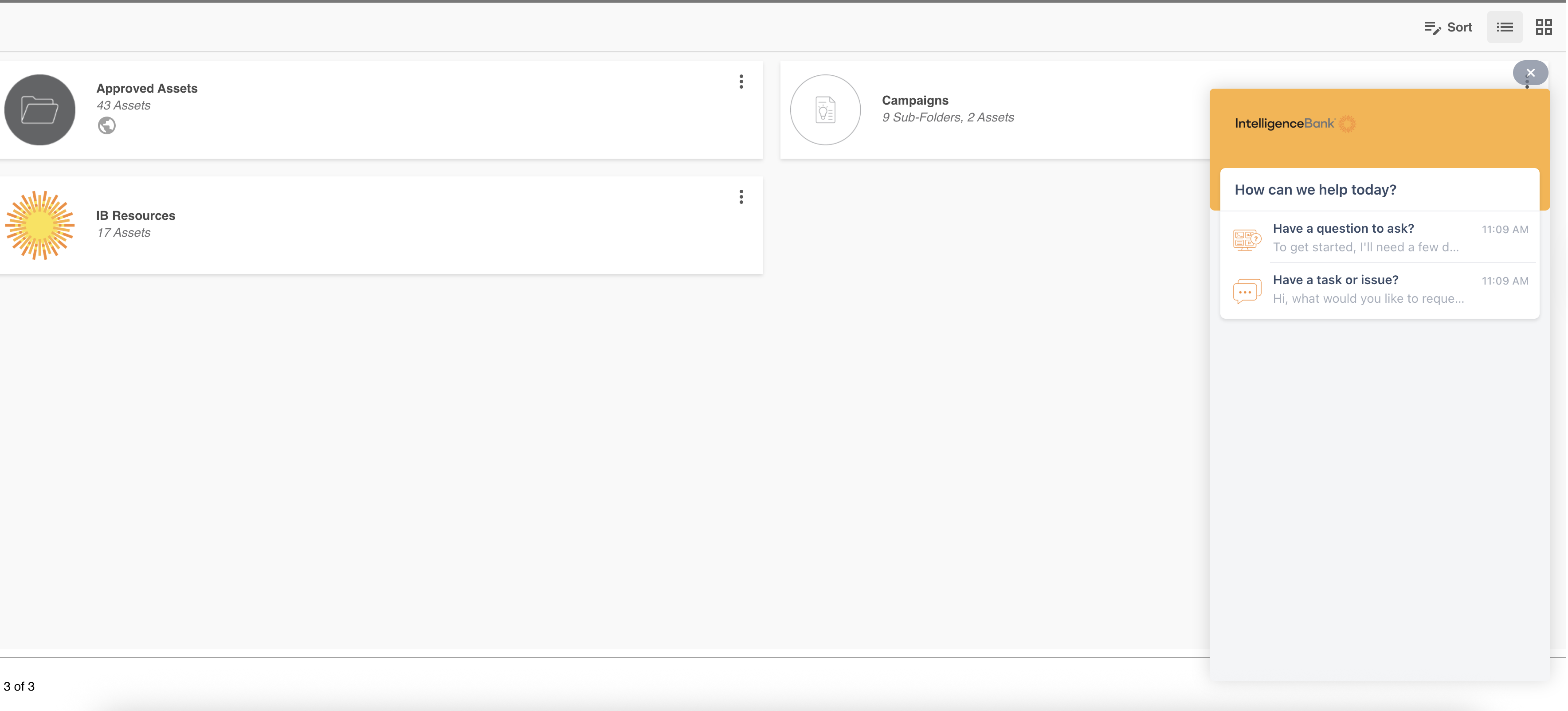
- A chat window will open in the bottom righthand corner of your screen.
- To ask a question, select the "Have a question to ask?" option. The AI Agent will ask for your name and email address to get started. Once verified, you can type your question in plain language, for example, "How do I share a folder?" or "How do I upload files?"
- You will receive a relevant answer straight away
- If the chatbot can't answer your question, you can raise a support ticket using the chat dialogue
What Can the Chatbot Help With?
You can ask about a wide range of topics, including:
- Navigating your site
- Uploading, organising, and managing assets
- Sharing files and folders
- Using search and filters
- Understanding permissions and access
- Working with approval workflows
- And much more
Frequently Asked Questions
| Question | Answer |
|---|---|
| Do I need to set anything up to use the chatbot? | No. Simply click the "Ask for Help" button in the navigation bar and start typing your question. |
| What if the chatbot does not have the answer I need? | You can create a support ticket using the chatbot. |
| Is my conversation with the chatbot private? | Yes. Your conversation is used only to help answer your question and, if needed, to create a support ticket on your behalf. |
| As an Admin, can I set permissions around which user groups can interact with the chatbot? | No, this feature is currently unable to be enabled/disabled on just select groups. It will be available for all user groups and users to use, as needed. |
Was this article helpful?
That’s Great!
Thank you for your feedback
Sorry! We couldn't be helpful
Thank you for your feedback
Feedback sent
We appreciate your effort and will try to fix the article