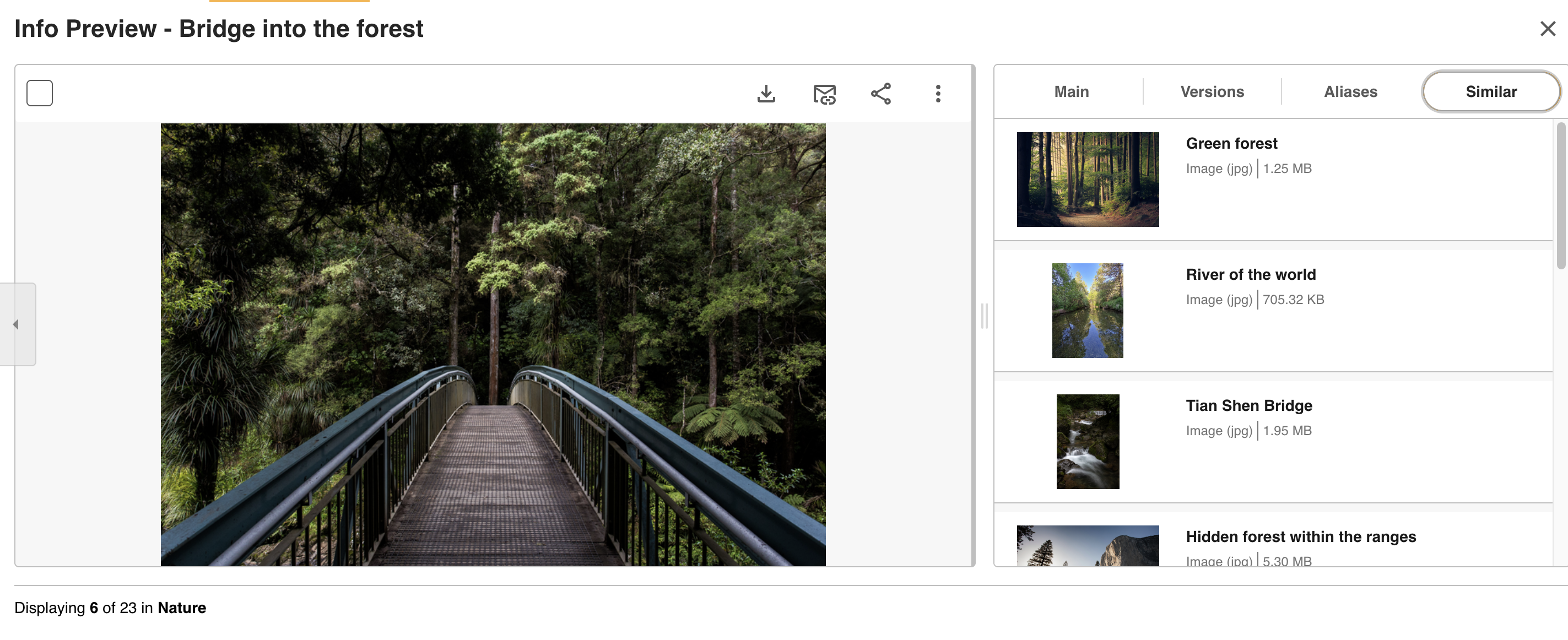
On an asset's Info Preview page, you may see a tab called Similar.
This tab will display a list of assets from your platform that are similar to the asset you're currently viewing. These assets will display in the Similar tab if they share similarities such as title, description, or metadata.
Viewing similar assets can be helpful if, for example, you're searching for potential assets to use for a campaign or project, and you want to easily find other similar assets to use.
Clicking on one of the similar assets will take you to the preview page of that asset.
Was this article helpful?
That’s Great!
Thank you for your feedback
Sorry! We couldn't be helpful
Thank you for your feedback
Feedback sent
We appreciate your effort and will try to fix the article