Every uploaded asset is tagged with a system generated unique ID number (UUID) which will be listed on the "Info Preview" page related to the asset.
UUIDs are also searchable, so they can be used to find the exact assets you're looking for.
To locate an asset's UUID, simply click on the asset's thumbnail. You can also click the icon indicated below.
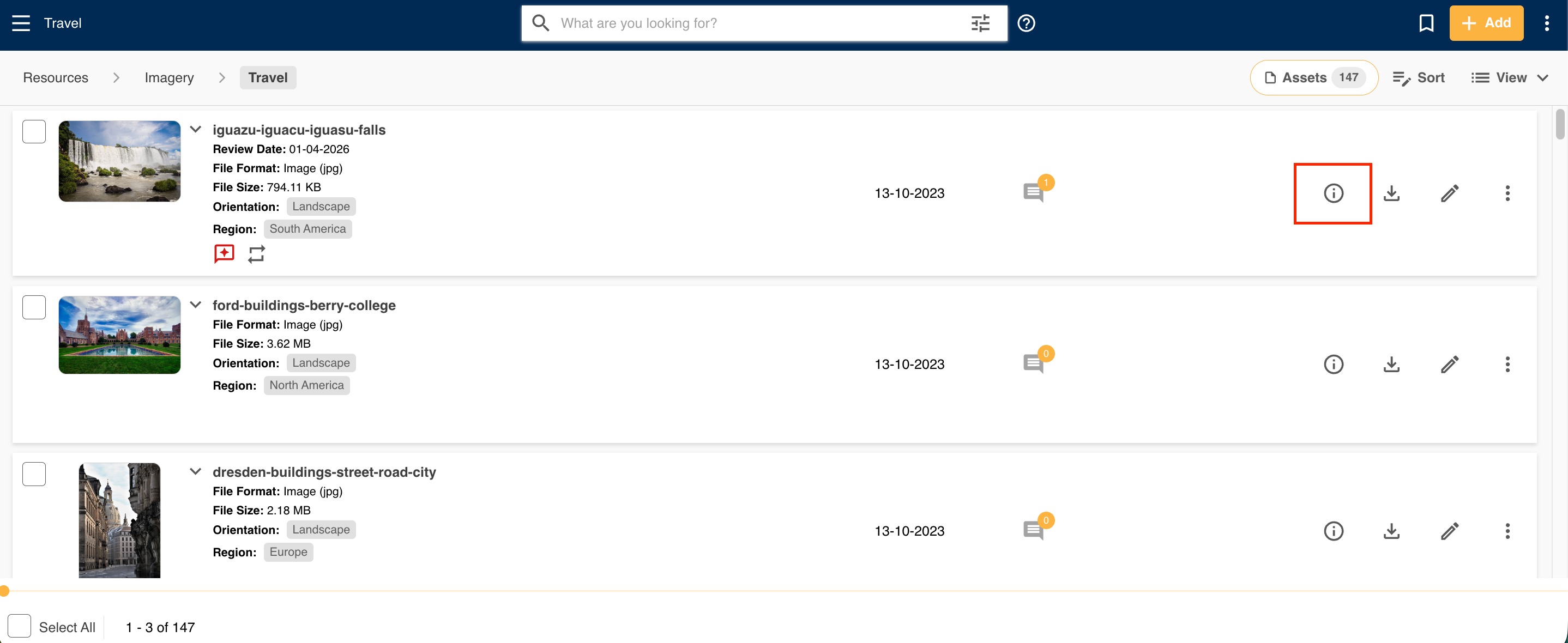
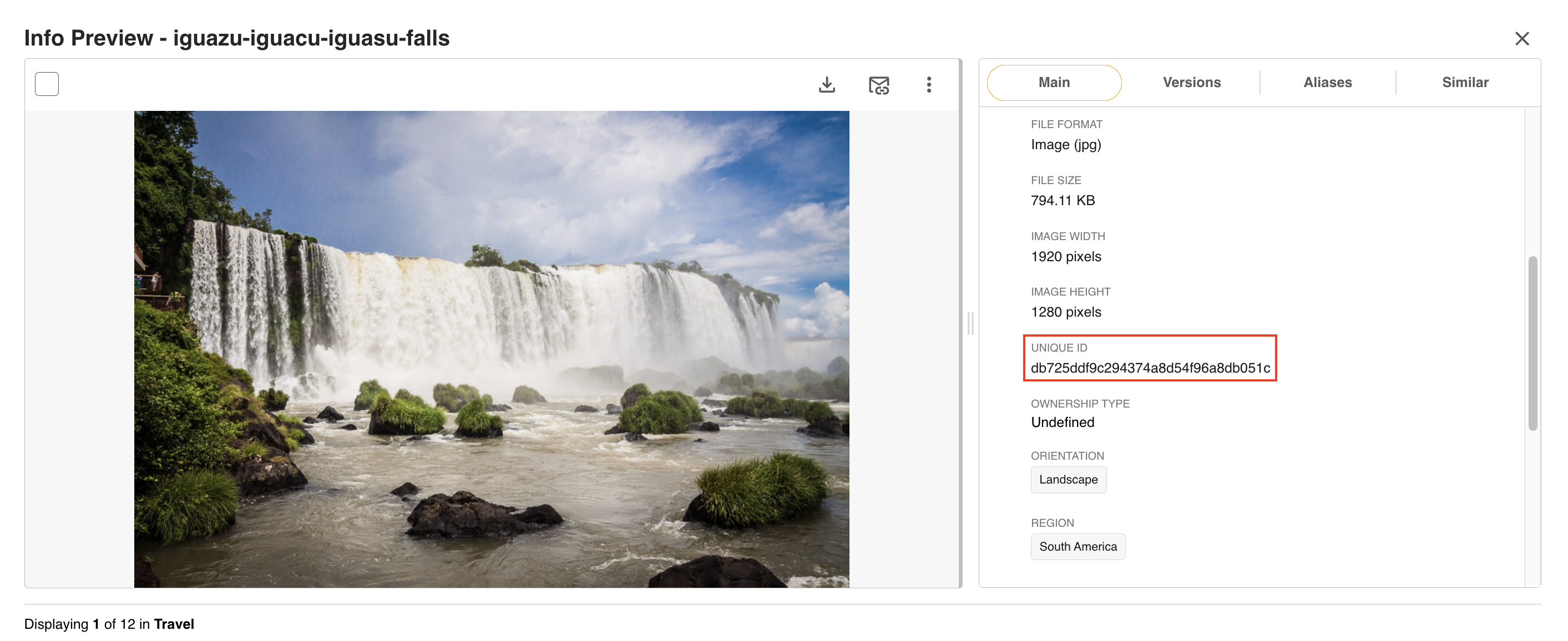
This opens the Info Preview page for the asset. On the right hand side in the Main Details area, you'll see a Unique ID field, which will display that asset's UUID.
Main Admins can also enable the Display Unique ID On Resources setting in Admin>Settings, pictured below. If enabled, the Unique ID will display when viewing assets within your Asset Library.

Was this article helpful?
That’s Great!
Thank you for your feedback
Sorry! We couldn't be helpful
Thank you for your feedback
Feedback sent
We appreciate your effort and will try to fix the article