Users can search for a specific database within the Database Side Panel. This makes finding a database easier and allows for faster navigation between databases.
Accessing the Database Side Panel
To open up the Database Side Panel:
| 1 | Navigate to the Databases area of your platform. |
| 2 | Select the icon (three horizontal lines) in the upper left hand side of the screen indicated below. 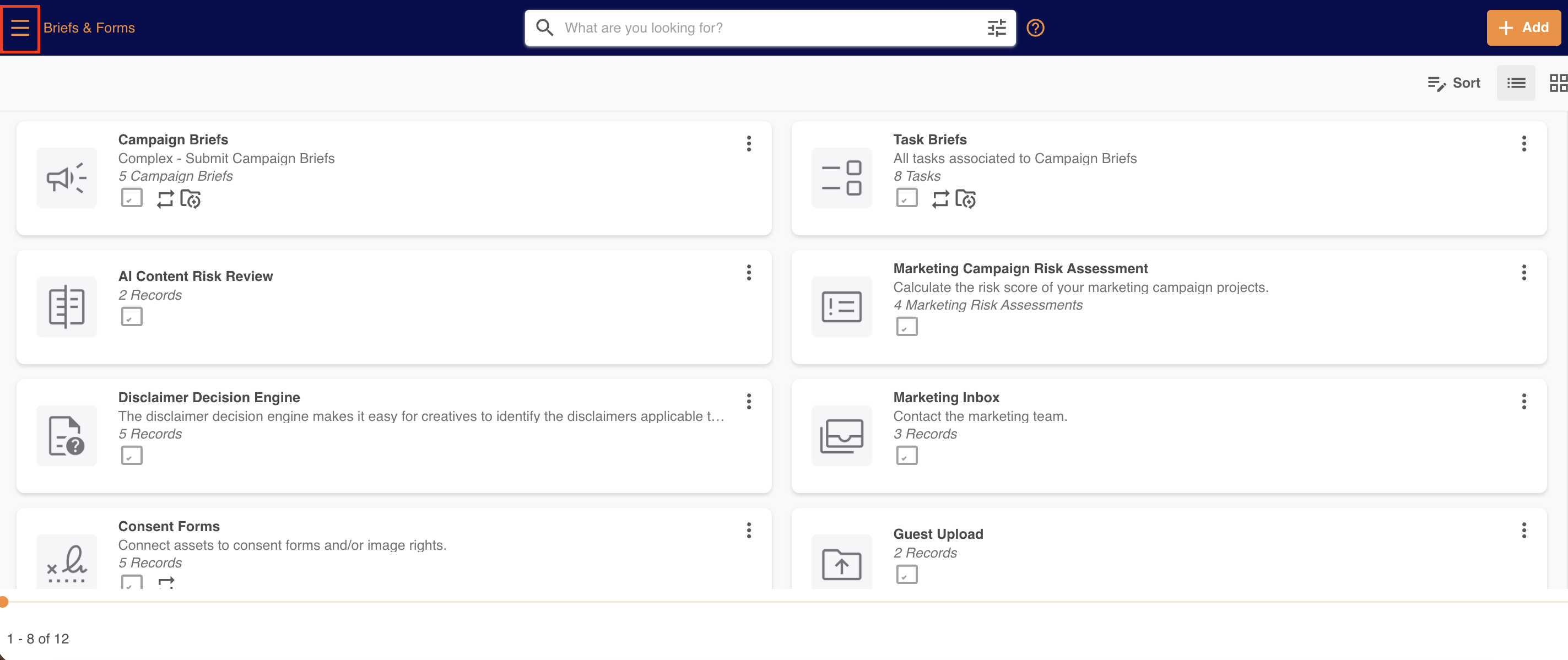 |
| 3 | The Database Side Panel will open up on the left side of your screen, displaying a list of databases. 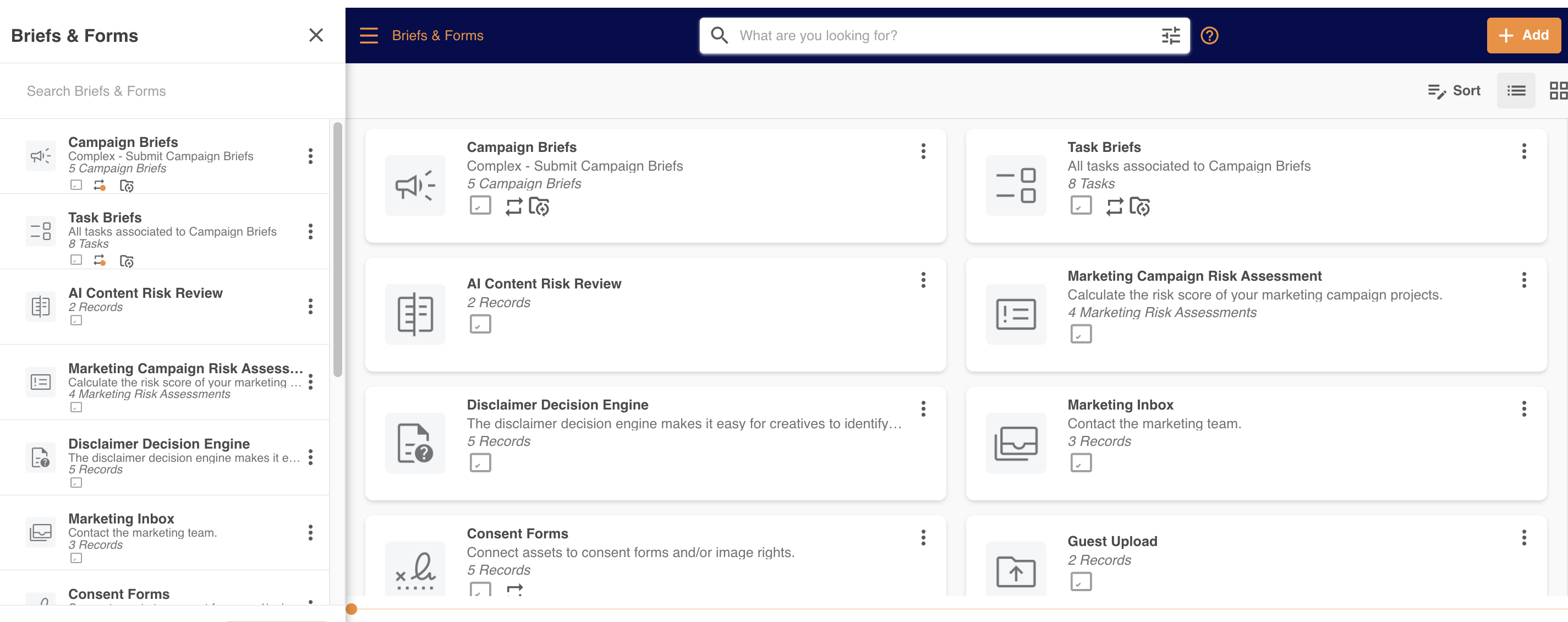 |
Searching for Databases in the Side Panel
Within the side panel, there is a search bar at the top of the panel. Type in a search term, which will filter out non-relevant databases within the side panel and display the one/ones that match your search term.
The search terms can be matched in either a database's Title or Description.
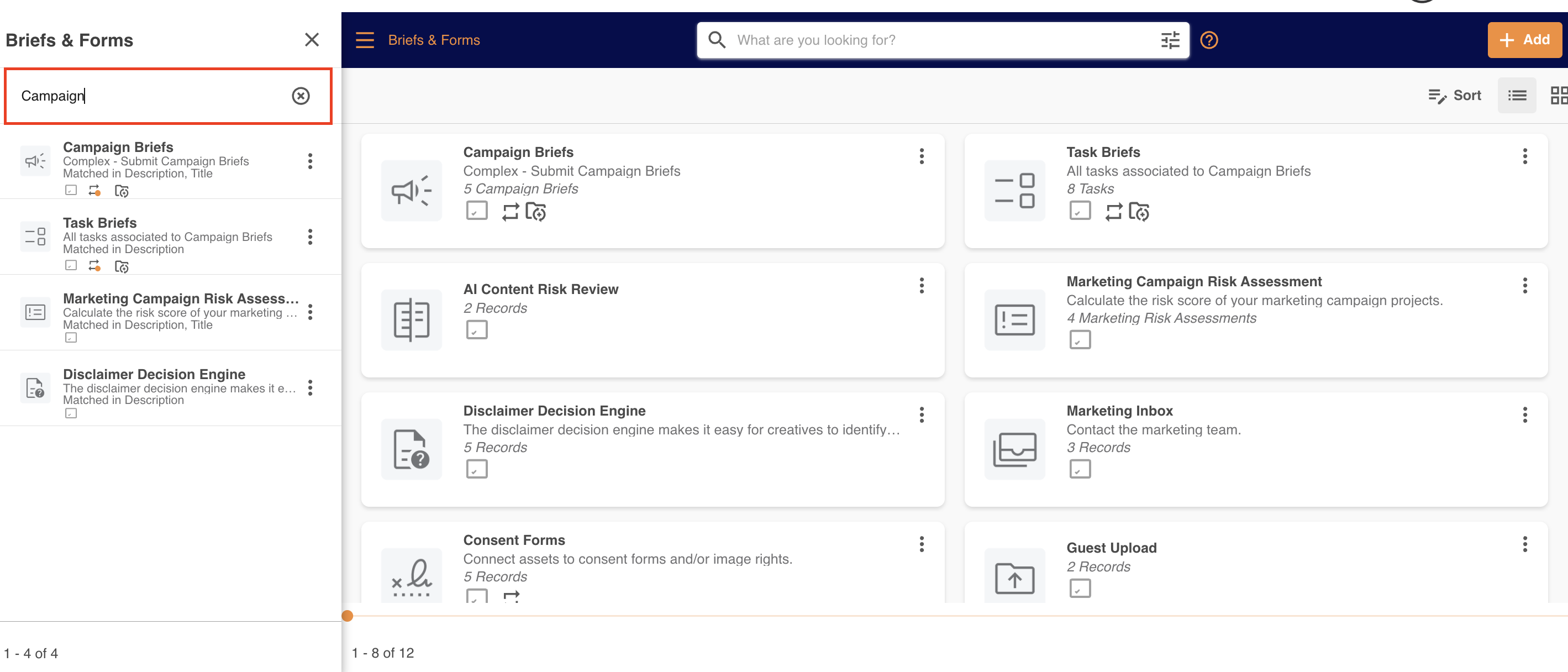
To open a database, simply click on its row within the side panel.
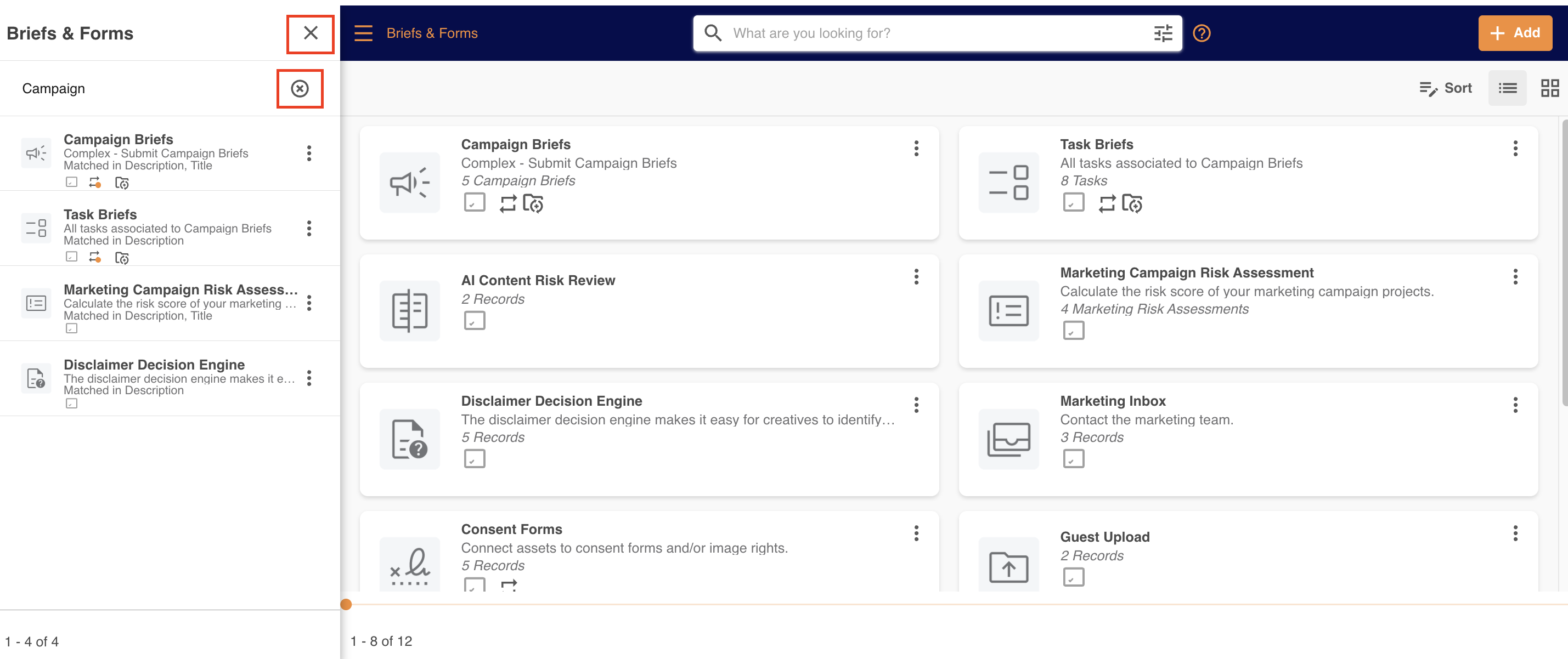
To close the search, click the small cross circle, or the back button. Both will take you back to your previous view.
Navigating via the Database Side Panel
You can also use the Database Side Panel to quickly switch between databases. Since this panel can be opened even when you're viewing the records of a database, you can open the panel, click the title of another database and it will automatically refresh the page to your new selection.
Please note that the Database module terminology referenced above may appear as another name in your platform as these are customisable. You can see comparable terms here.
Was this article helpful?
That’s Great!
Thank you for your feedback
Sorry! We couldn't be helpful
Thank you for your feedback
Feedback sent
We appreciate your effort and will try to fix the article