Bulk actions can be performed on 300 assets at a time. This includes actions such as Download, Bulk Edit, Email/Share Public Link, or Delete.
If you bulk select more than 300 assets, ie by using the Shift + Select shortcut, the first 300 assets of your selection will be selected & you'll be taken to the end of that selection.
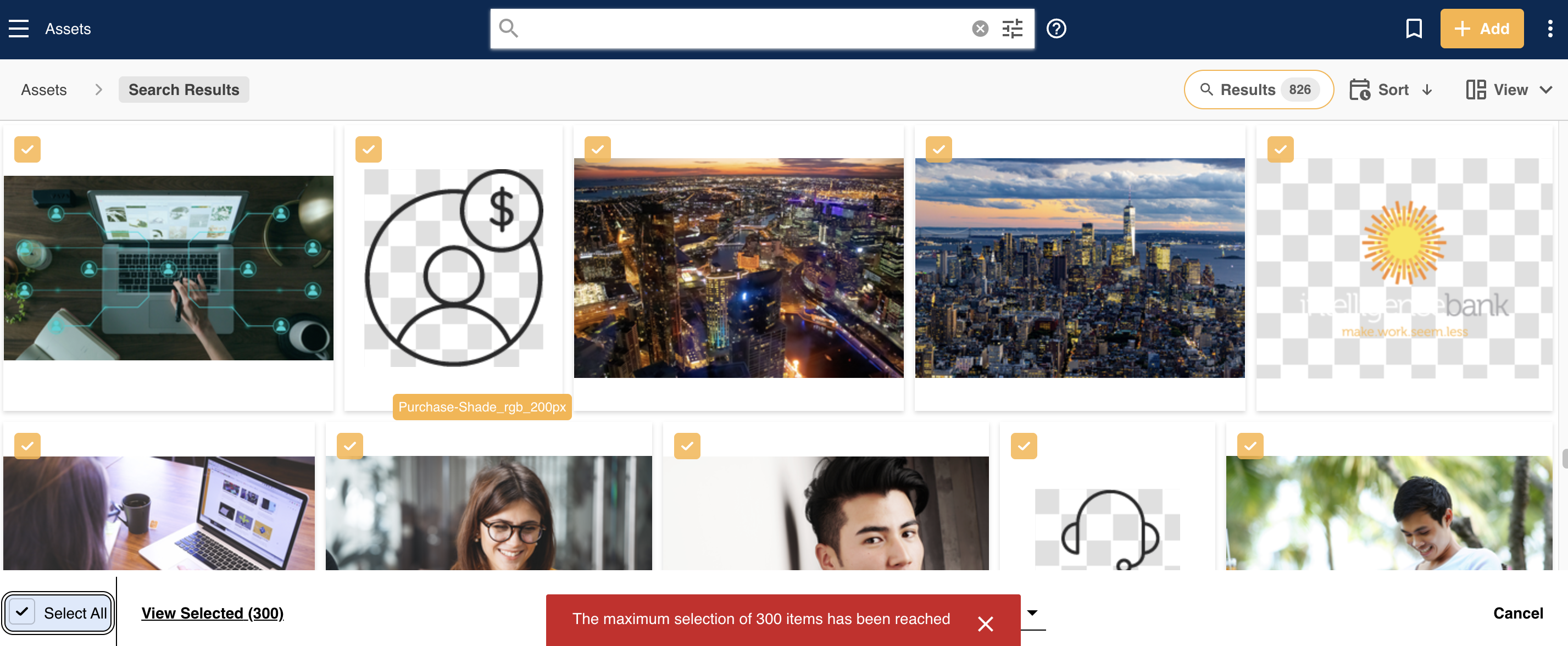
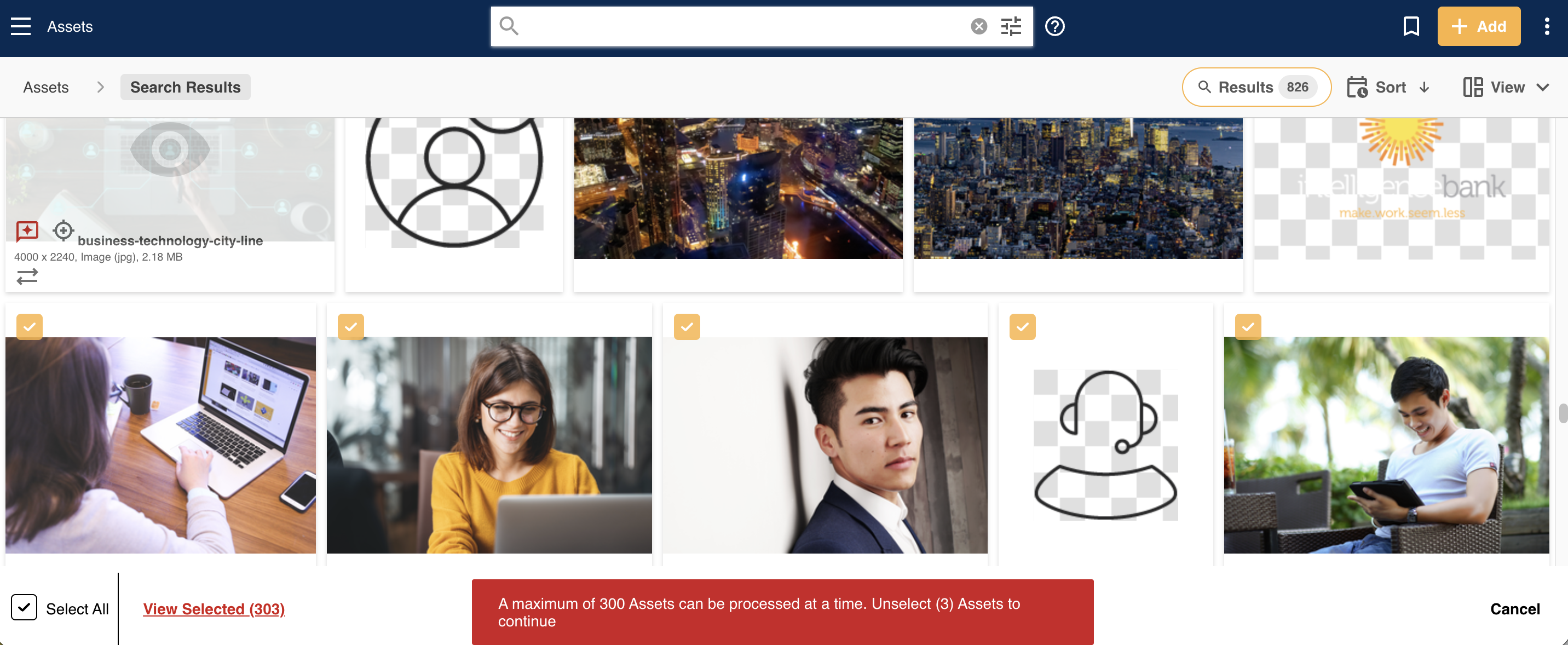
If you select more than 300 assets, either in batches or individually, you will receive a message indicating how many assets you've selected and how many need to be unselected in order to continue.
If you have any questions about this, or anything else related to Bulk Actions, please don't hesitate to get in touch with your Customer Success Manager.
Was this article helpful?
That’s Great!
Thank you for your feedback
Sorry! We couldn't be helpful
Thank you for your feedback
Feedback sent
We appreciate your effort and will try to fix the article