Folders in the Asset Library can be deleted by:
- Main Admins
- Asset/Resource Admins
- Folder Admins
How to Delete a Folder
To delete a folder:
| 1 |
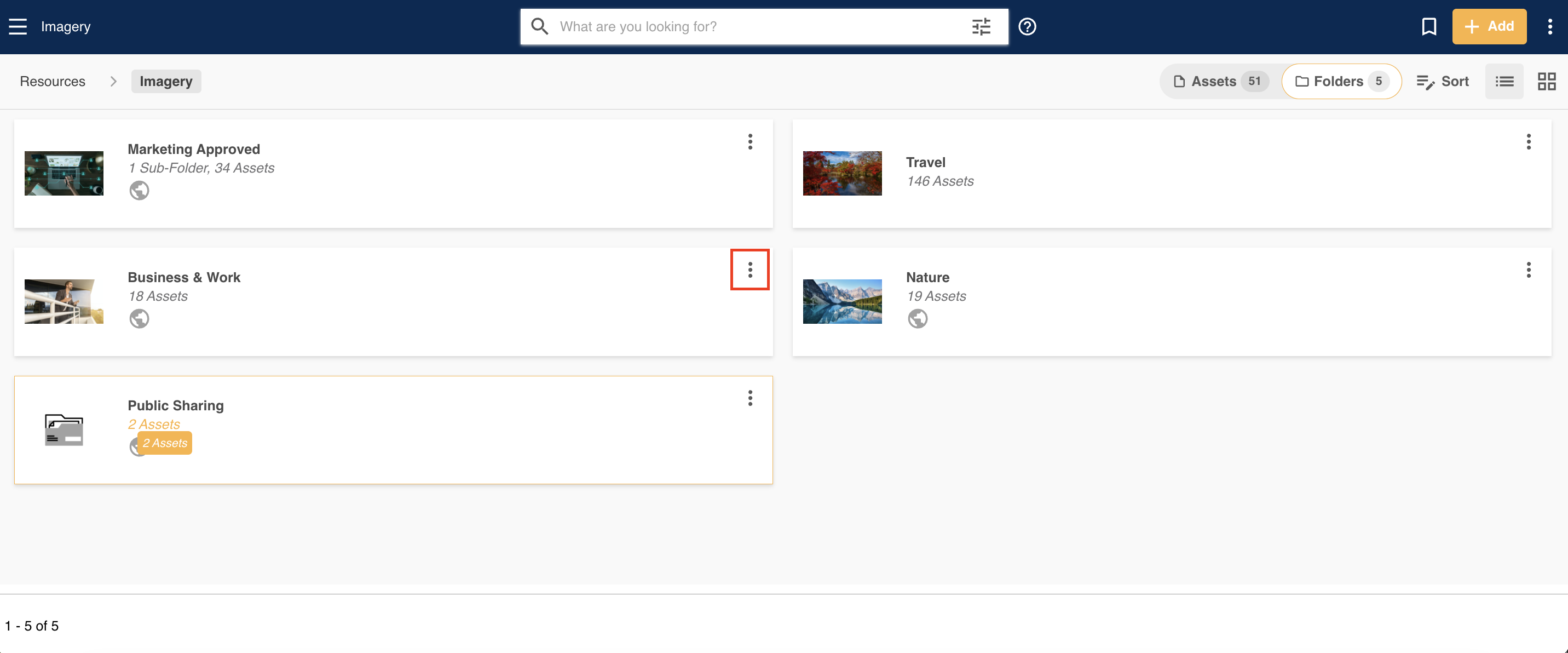
Navigate to the folder you'd like to delete. Click on the three vertical dots to access that folder's action menu.
|
| 2 |
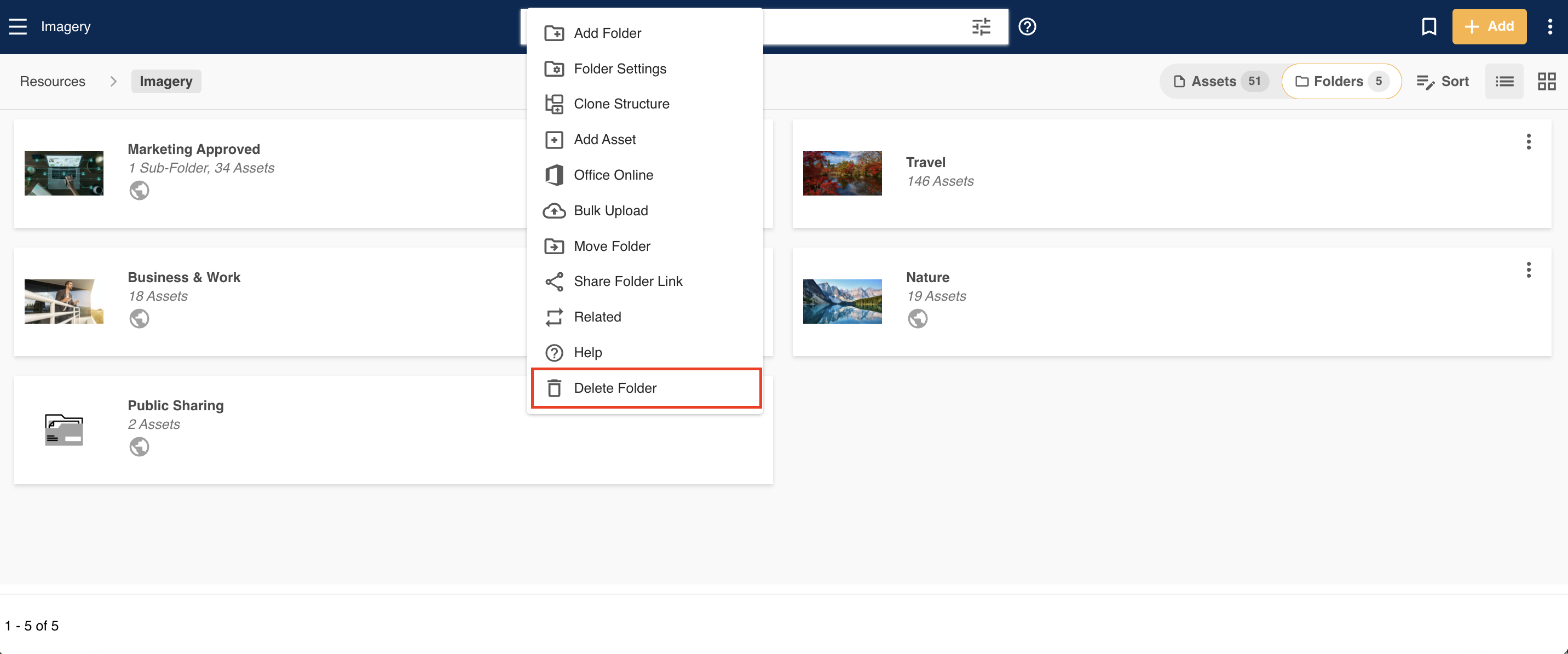
Select the Delete Folder action.
|
| 3 |
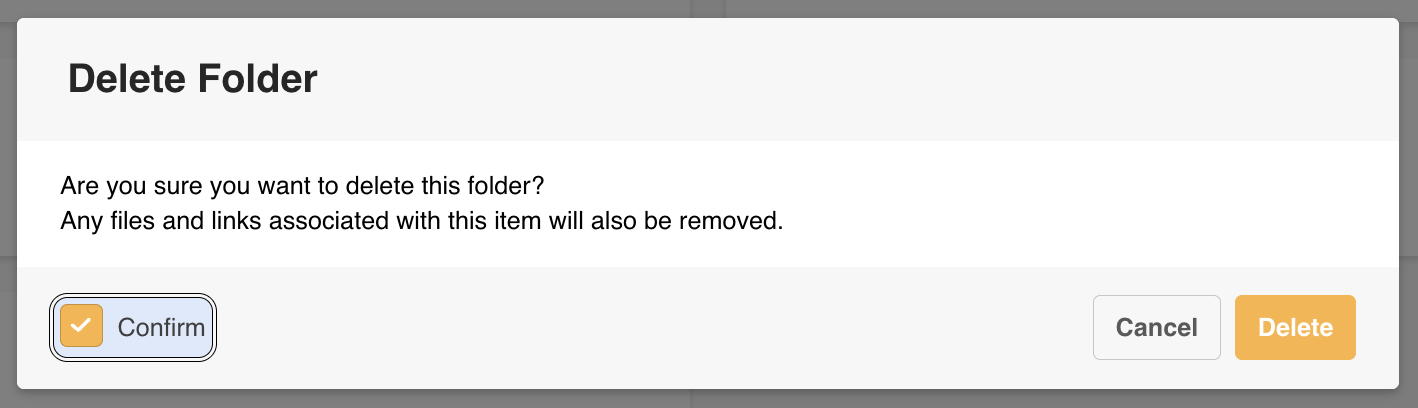
A confirmation window will pop up. Check Confirm, then Delete to delete that folder.
|
Can Deleted Folders be Recovered?
Deleted folders can be restored by Main Admins via the Recycle Bin, if they were deleted within the last 30 days.
If folders were deleted after 30 days but within 90 days, please contact your dedicated Customer Success Manager, who can help get them restored from our backend.
Folders deleted past 90 days are permanently deleted from IntelligenceBank and cannot be retrieved.
*Note that the name given to modules, features and information items may vary in your platform as they can be customized by Main Admin users.
Was this article helpful?
That’s Great!
Thank you for your feedback
Sorry! We couldn't be helpful
Thank you for your feedback
Feedback sent
We appreciate your effort and will try to fix the article